

CAD/CAM Jeweller is a free add-on for Blender. It turns Blender into a jewellery workbench. You size a ring, make and place stones, set them, carry ornament onto the metal, check the piece against the trade’s numbers and write files for printing and casting.
The scene works at 1 Blender unit = 1 mm, so what you model is what you print and cast. Every default comes from The CAD/CAM Jeweller, Volume 1 and cites its page. Where the book is silent, the default is labelled a house default. You can change every one.
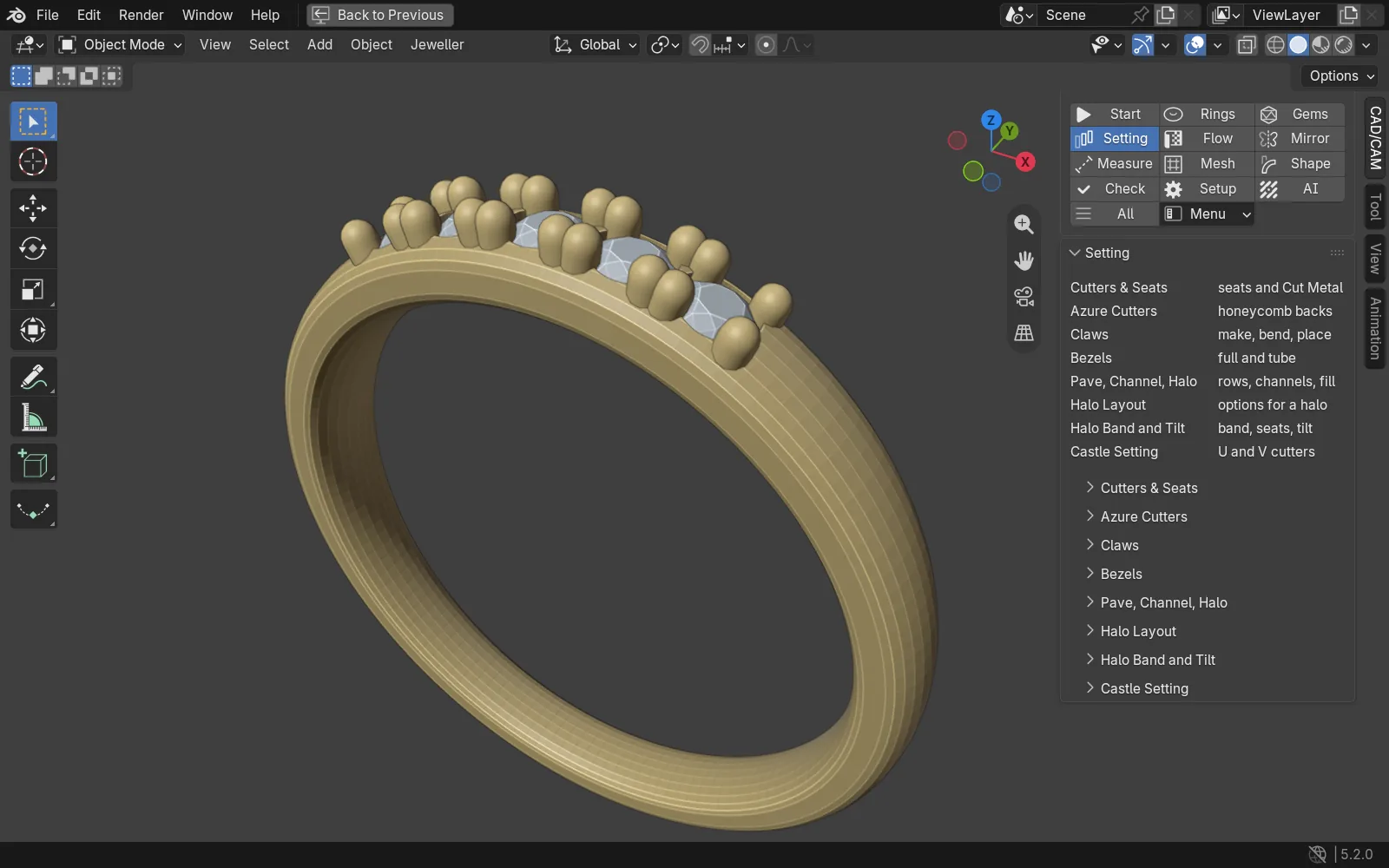
How it sits in Blender
The add-on gives Blender three things. A CAD/CAM tab in the 3D view sidebar (press N). A Jeweller menu in the 3D view header. A quick pie on J. The tab opens with a section bar, so you see one part at a time. Your first look at the tab walks through all three.
What you can do
Each heading is a section of the tab.
Rings
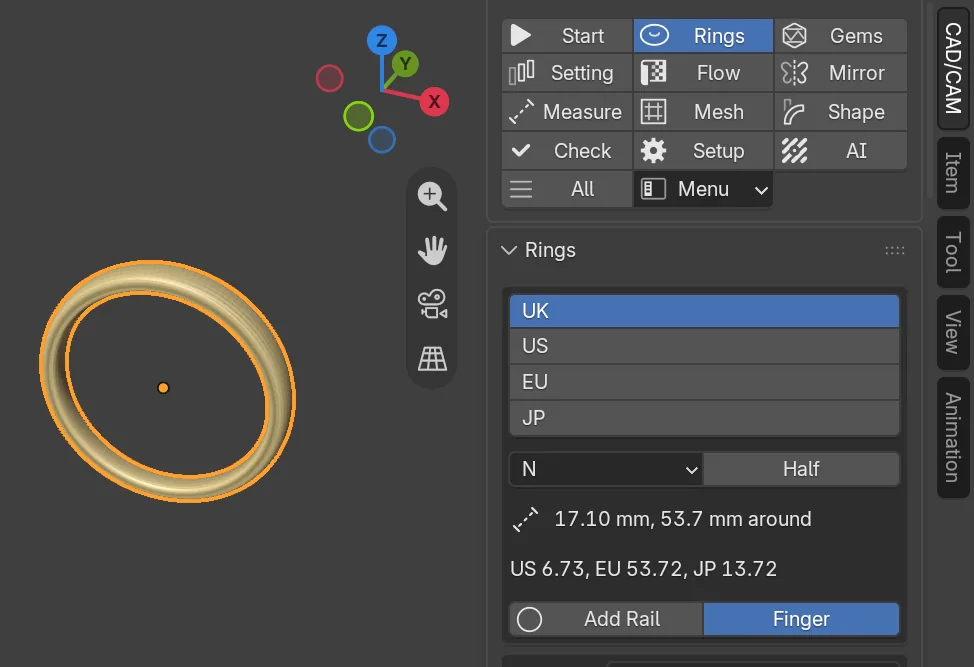
Choose a ring size in UK, US, EU or JP and add a rail at the finger’s own diameter. Build a shank in six profiles: D Shape, Court, Flat, Flat Court, Knife Edge or Bevelled. One button sets stones round a band for an eternity ring. The Signet panel builds a signet ring from a few picture choices. Read Rings and Signet.
Gems
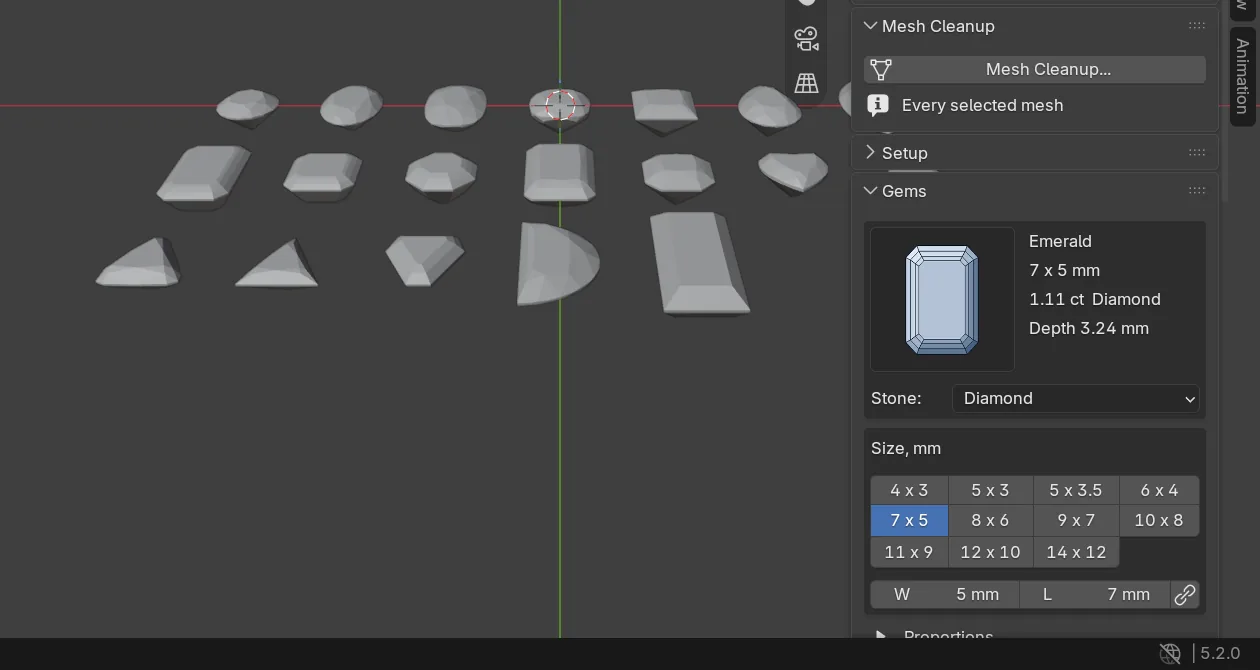
Nineteen stone shapes, each a picture: the round brilliant and eighteen more, from oval and princess to heart and baguette. You see a stone’s size and weight in carats before you make it. Place stones by aiming at a surface and clicking, with guides that show the gaps as you go. Read Gems and Place gems.
Setting
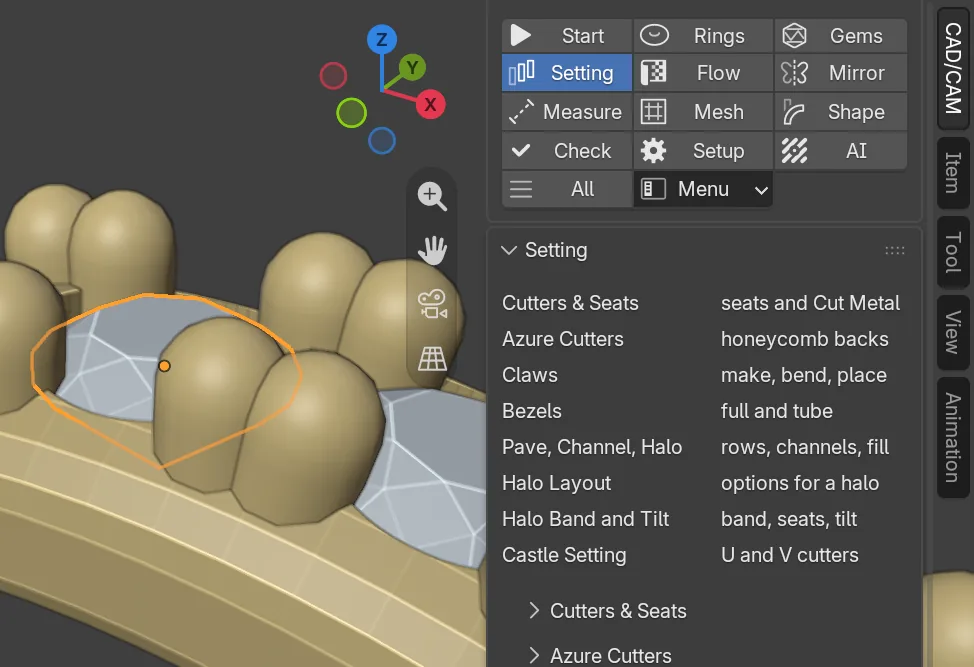
Seats and cutters, claws, bezels, pave, channel, halo and castle settings, and azure cutters that open the back of the metal under a field of stones. Every claw is built to the book’s thicknesses, and none is ever thinner than 0.35 mm. Read Claws, Seats, Bezel and pave, Halo and Castle.
Flow
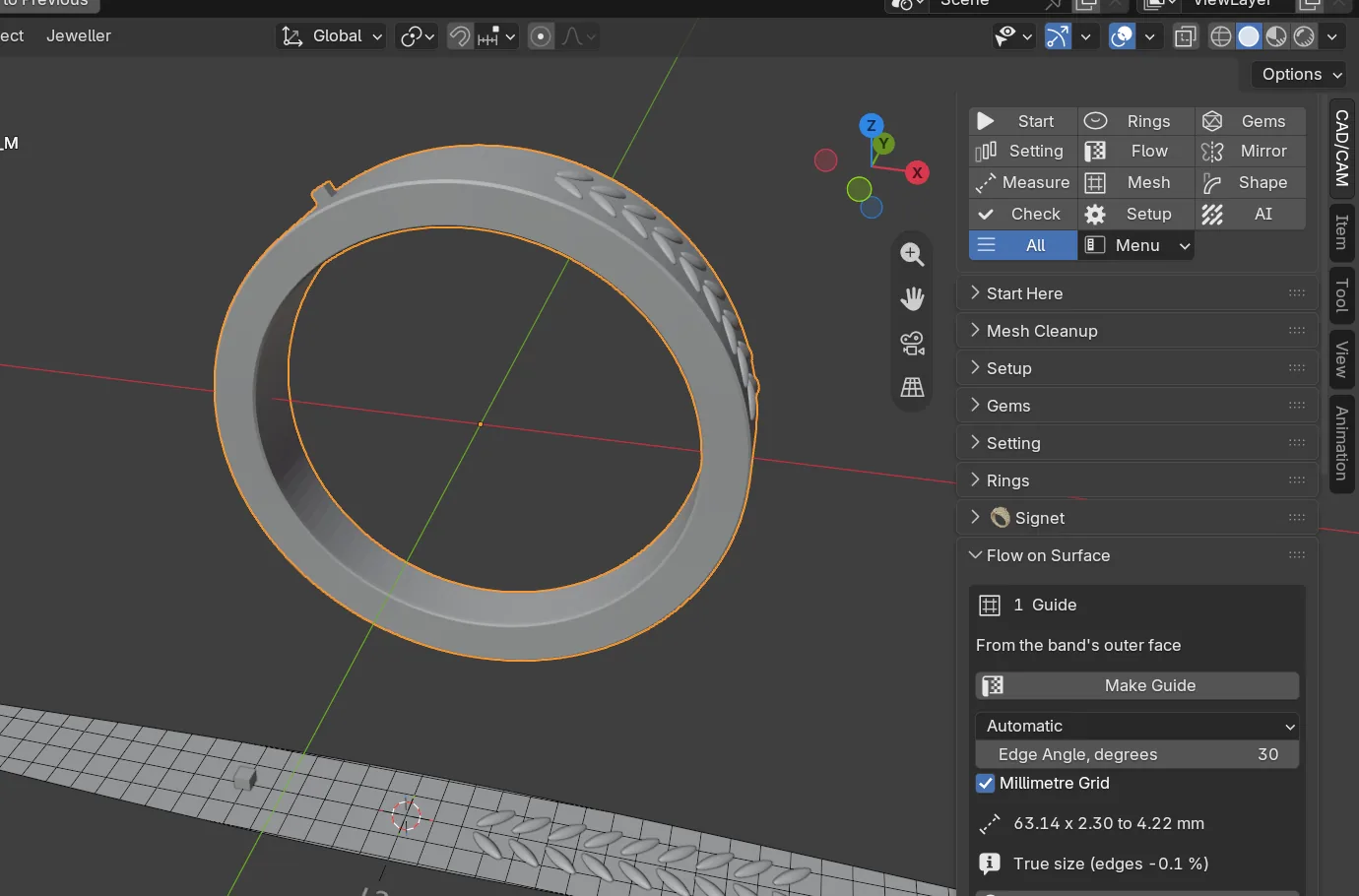
Draw an ornament flat, at true size, on a guide. The add-on carries it onto the curved piece, all the way round a closed band, and it follows every change you make to the band. Read Flow on Surface.
Mirror
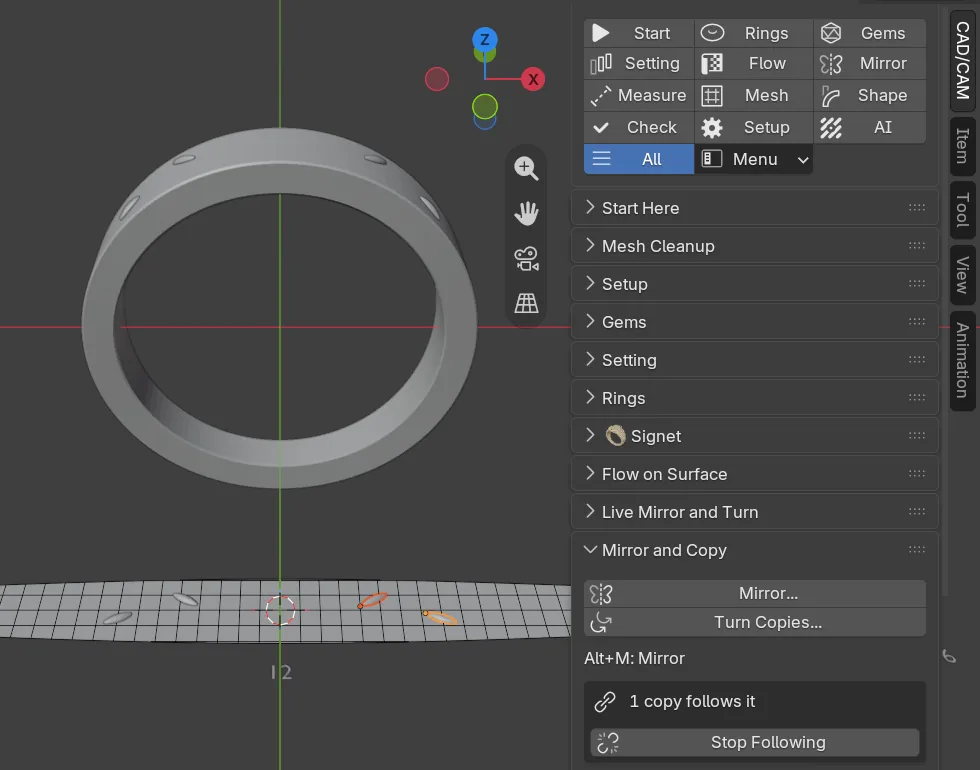
Mirror or turn copies of any object about a reference you choose. Live Mirror makes the other half of a ring while you model the first. Stones and claws can follow a master as twins. Read Mirror and Symmetry.
Measure
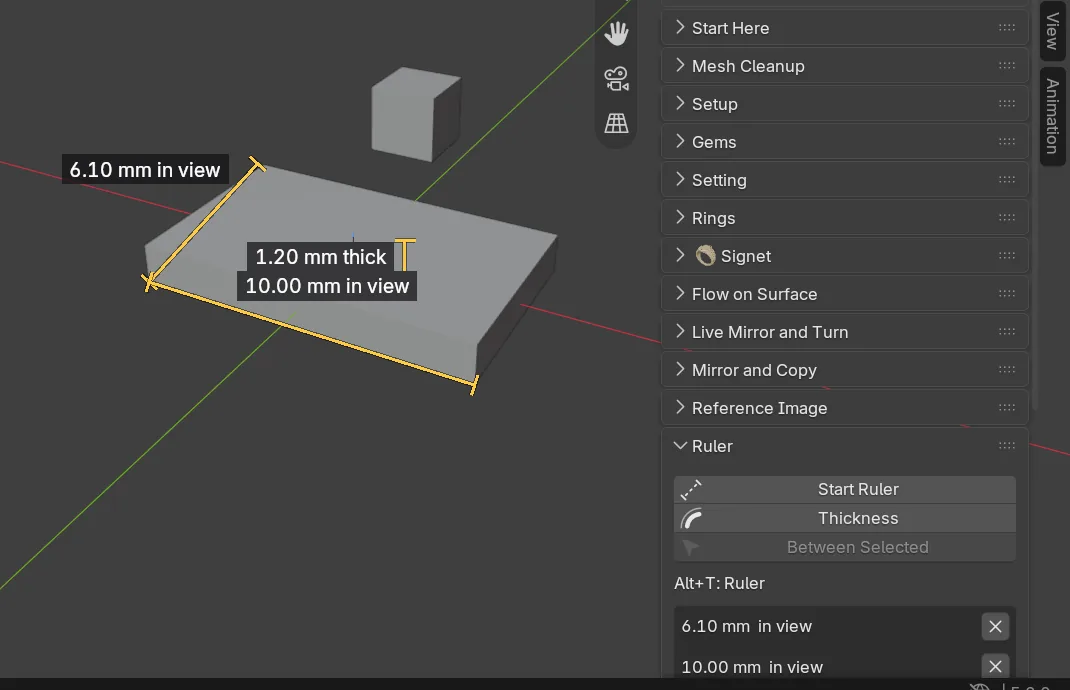
A ruler in millimetres that snaps to what you see and reads wall thickness. Live size labels. Reference pictures at their true size. Read Measure.
Mesh
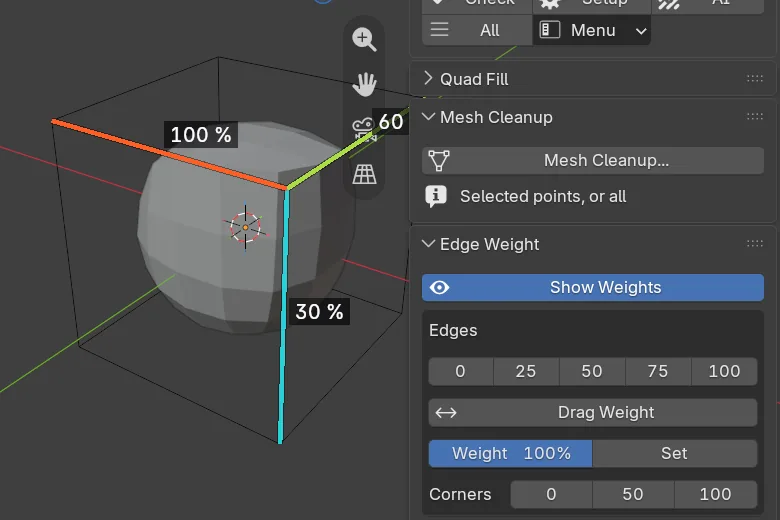
Mesh Cleanup, Edge Weight with Make Print Mesh, Quad Fill and Loop Tools tidy and shape a mesh. The Retopology tools let you draw a clean, light mesh over a heavy one. Read Mesh.
Shape
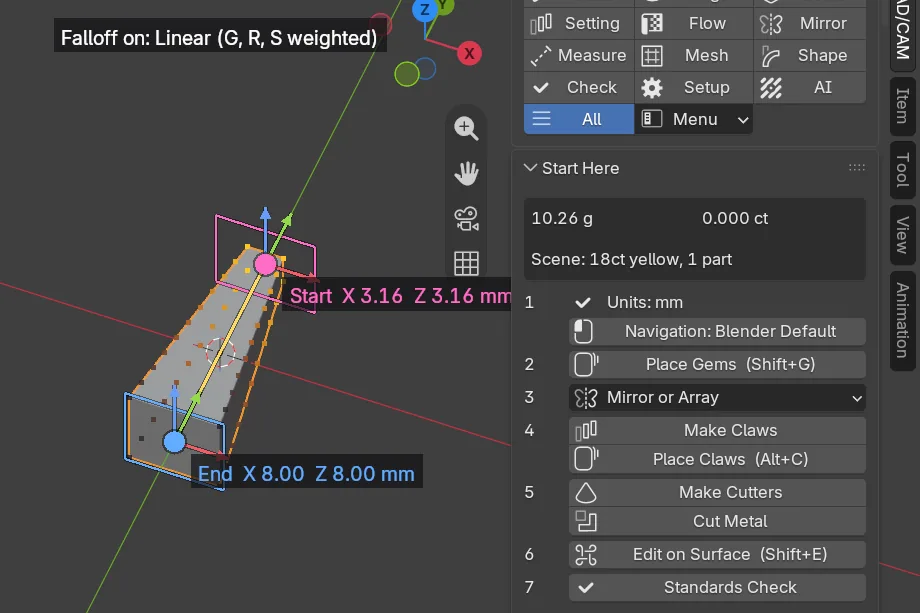
Falloff gives every point a weight from 0 to 100 %. Move, Rotate and Scale then act on each point by its weight: a taper, a twist or a lean. Centre and Size put things where you want them and scale to a size you type in millimetres, not a percentage. Read Shape.
Check
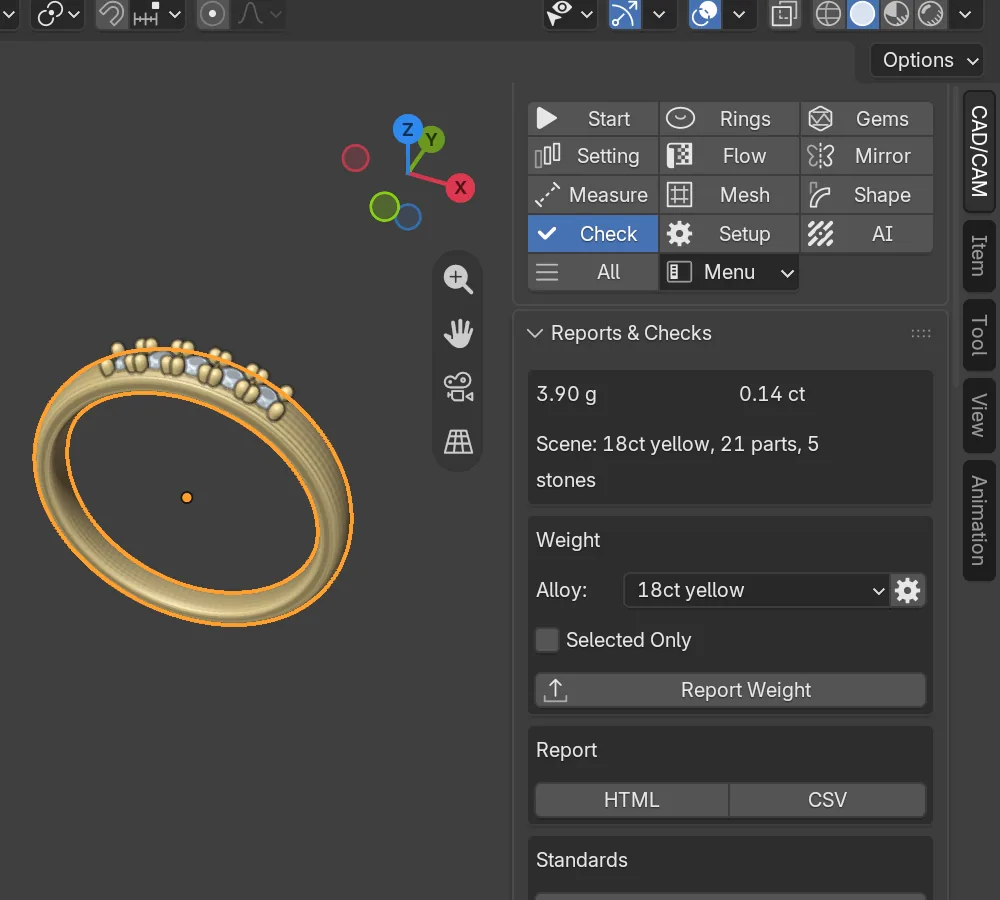
The metal’s weight in grams and the stones’ weight in carats, kept current on the page. A standards check and a print check list what they find, worst first, against the book’s numbers. Export writes STL, 3MF or OBJ at 1 unit = 1 mm. Read Check and print.
Start and Setup
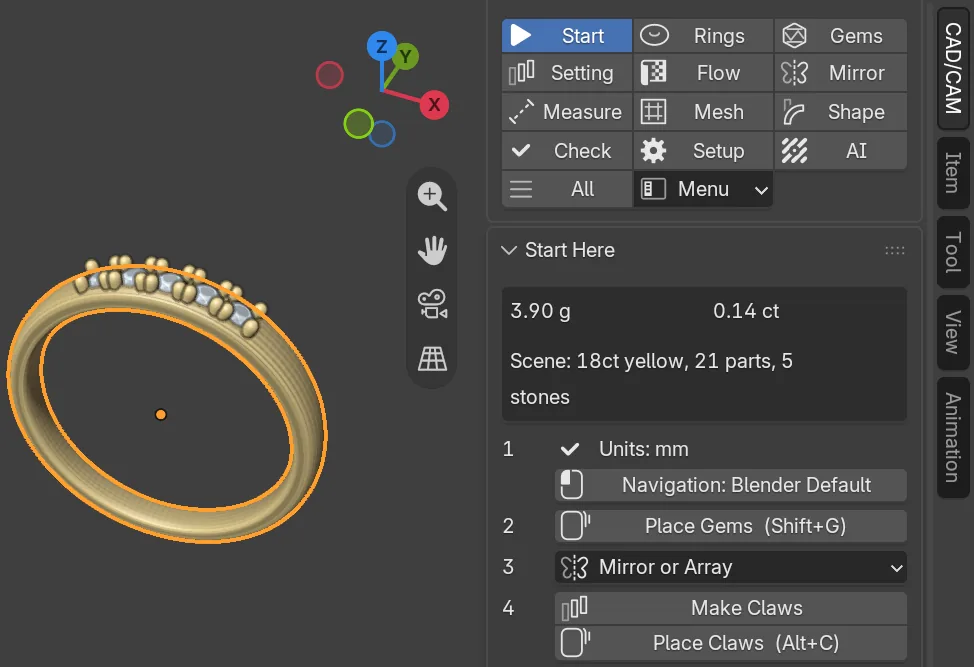
Start Here lists the usual order of work as numbered buttons, so you can make a first piece without opening every panel. Setup holds the units check, the default alloy, presets and what new files open with. Read Set up.
AI Studio
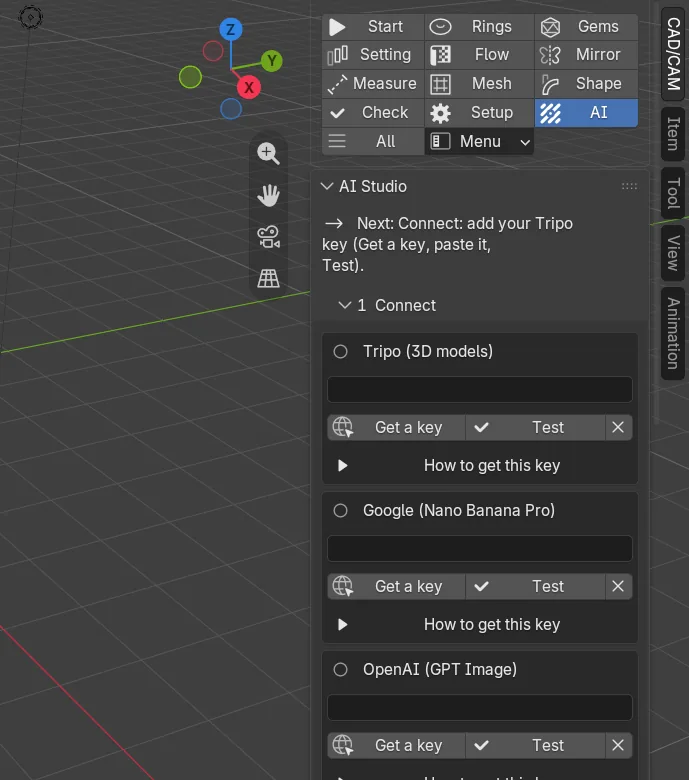
Optional. Words and pictures become a reference picture and a 3D model, placed in your scene at its true size, using keys you supply. A generated model is a shape to copy, never a castable file. Read AI Studio.
Built on the book’s numbers
The tools check themselves against figures like these.
| Where it applies | The number | From |
|---|---|---|
| Ring sizing area at 6 o’clock | 2.20 mm wide, 1.80 mm deep | the book |
| Bridge at 12 o’clock | 1.20 mm. The least is 1.00 mm in 18ct gold or silver. | the book |
| Claw thickness | 0.80 to 1.20 mm is best. None is built under 0.35 mm. | the book, and a house rule |
| Claw height above the table | 2.00 mm for production | house default |
| A print needs support below | 45 degrees | the book |
Free, and what it needs
The add-on is free to use, share and change (GPL-3.0-or-later). It needs Blender 4.2 or newer and was tested on Blender 5.2 on Windows 11. Everything works offline except installing from the repository, updates and AI Studio. Read What you need and Credits and licence.
It has had 27 versions since 14 September 2026, all on the updates page.