

FreeVersion 2.18.0 · 26 October 2026
A free add-on for BlenderCAD/CAM Jeweller for Blender
Jewellery CAD tools built on the standards of The CAD/CAM Jeweller.
Free
and open source under GPL-3.0-or-later
132
tools in 12 sections
19
stone shapes
27
versions since 14 September 2026
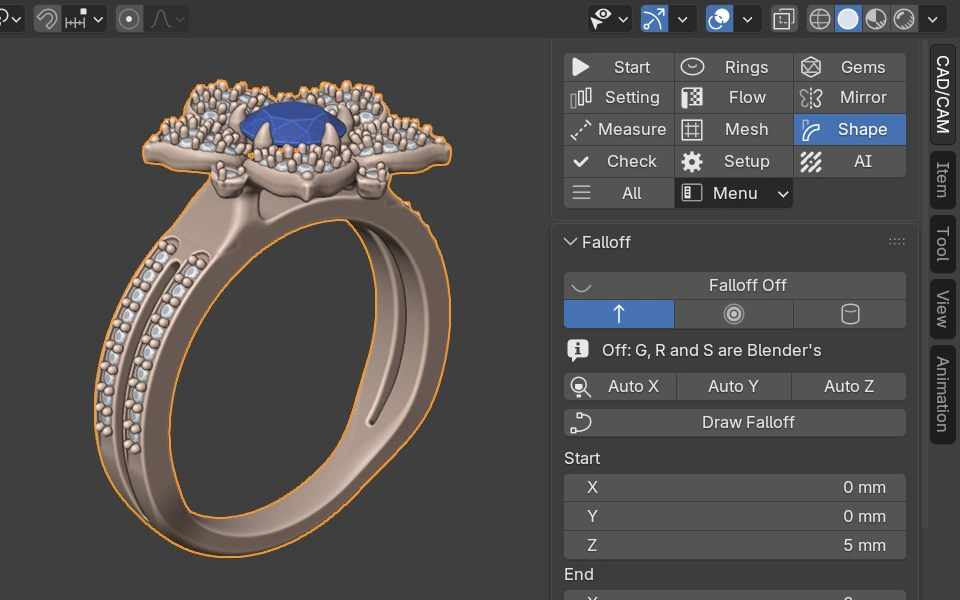
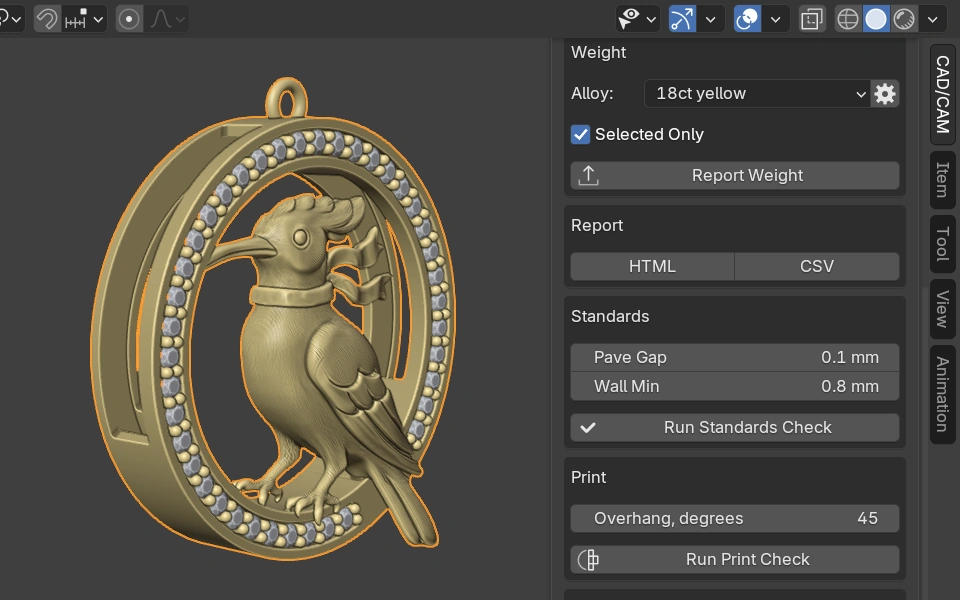
Silux London designs, open in Blender
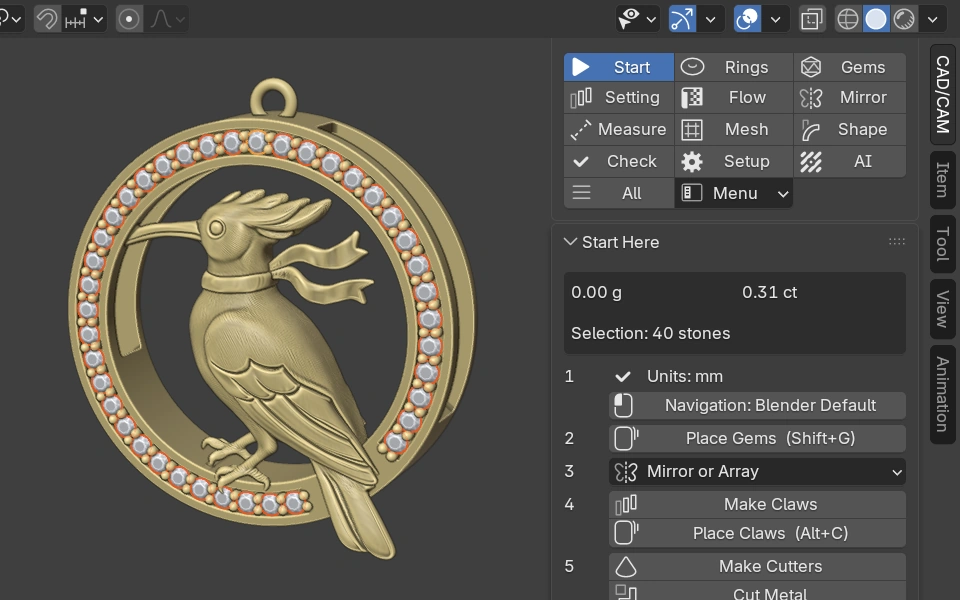
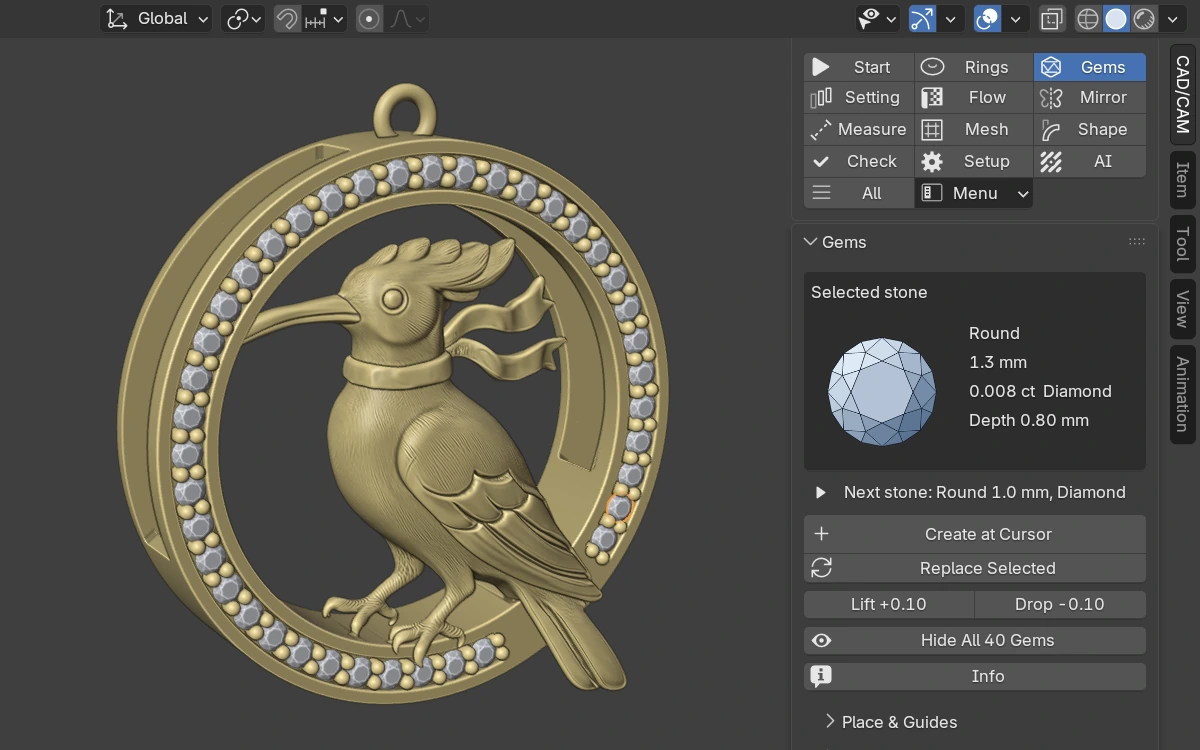
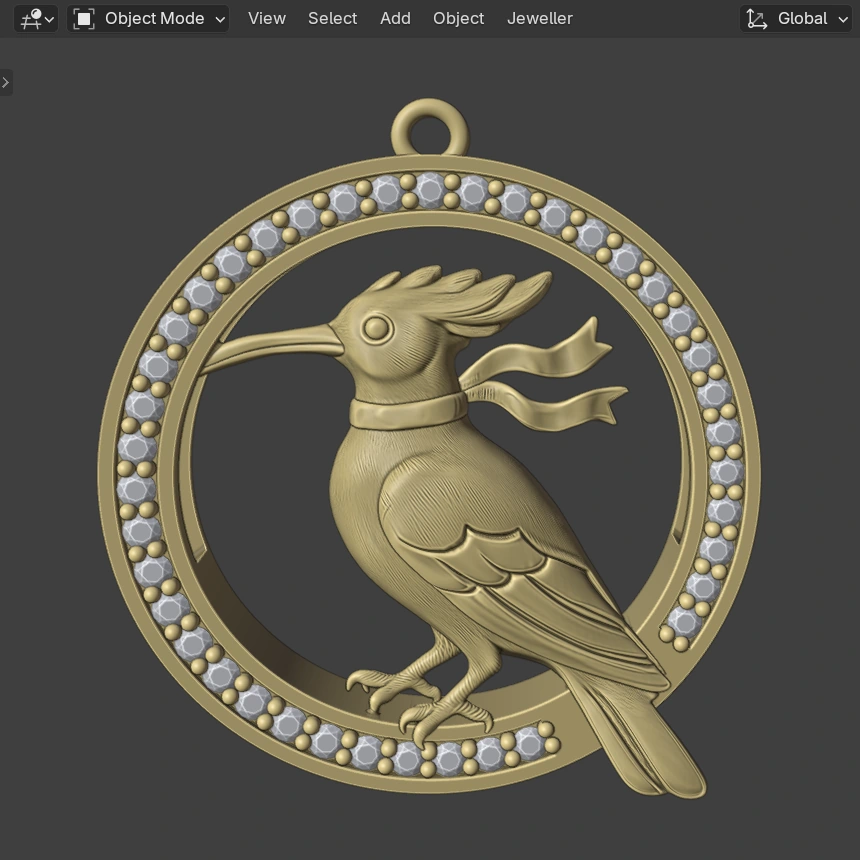
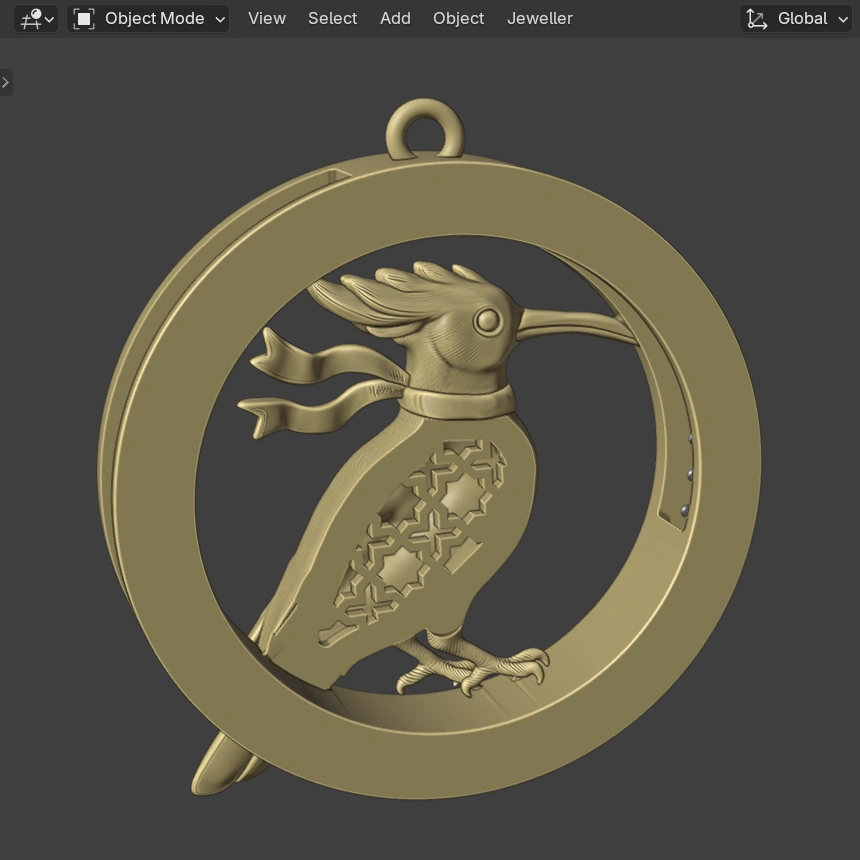
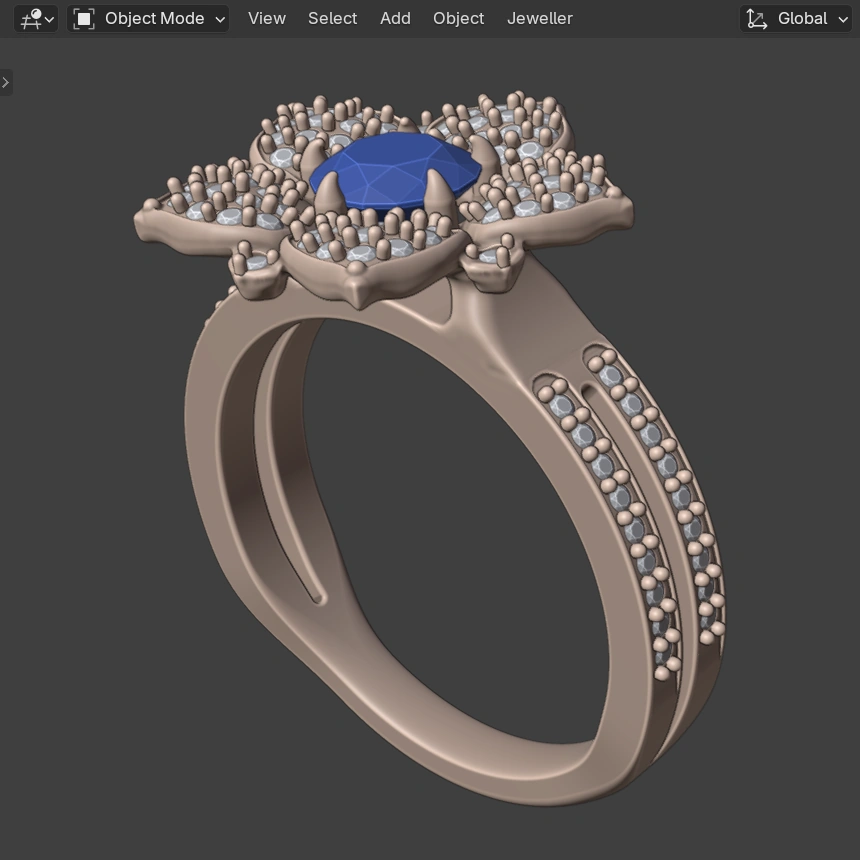
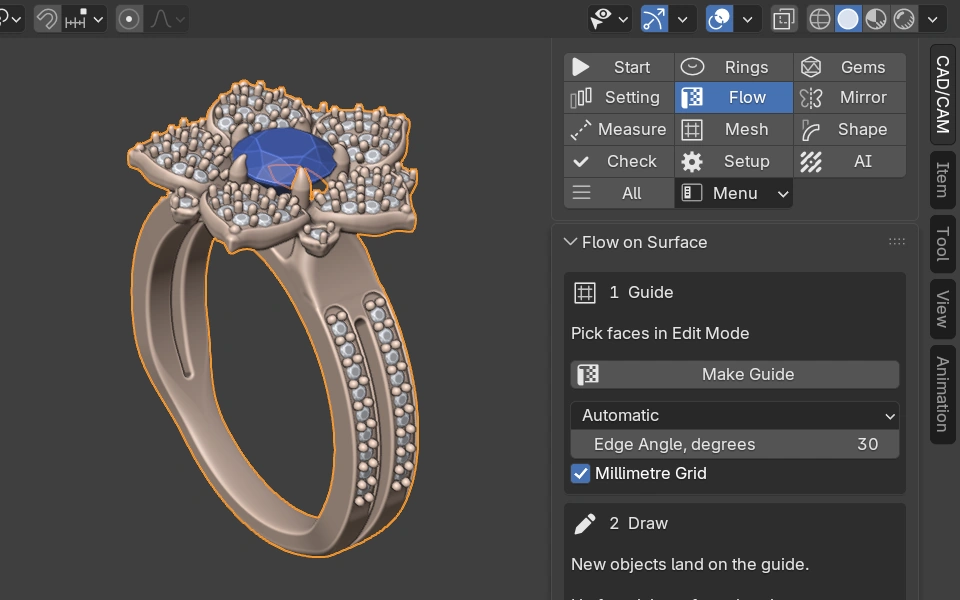
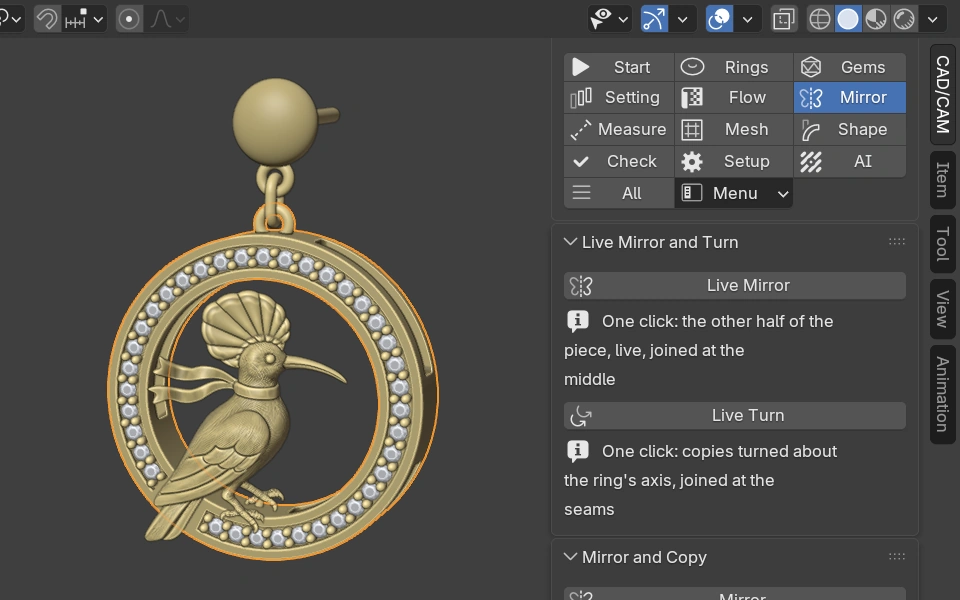
Two of Hamed's designs for Silux London, the jewellery brand he founded, open as CAD models in Blender. Every stone in them is one of the add-on's own gem objects.
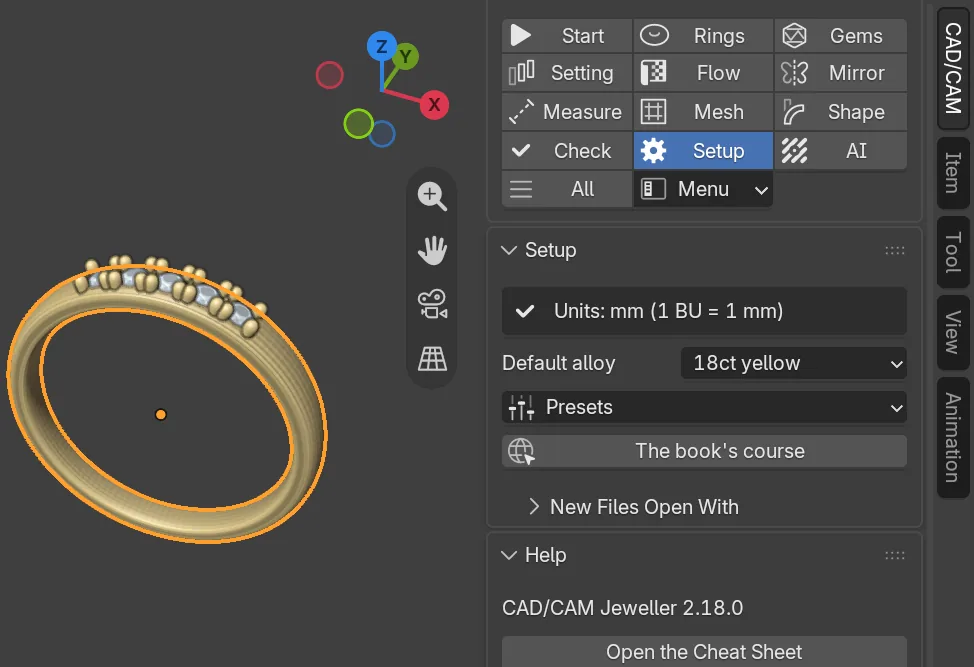
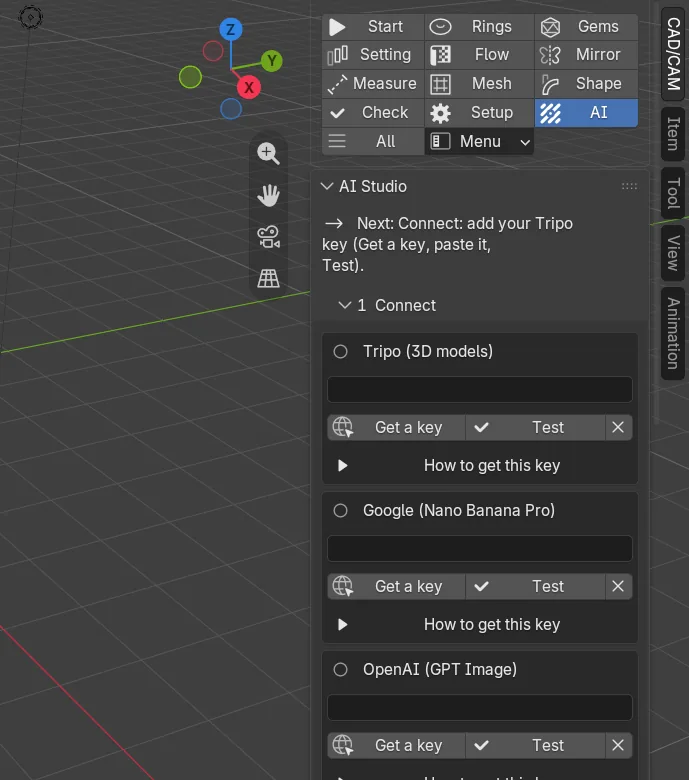
One section for each stage of the job
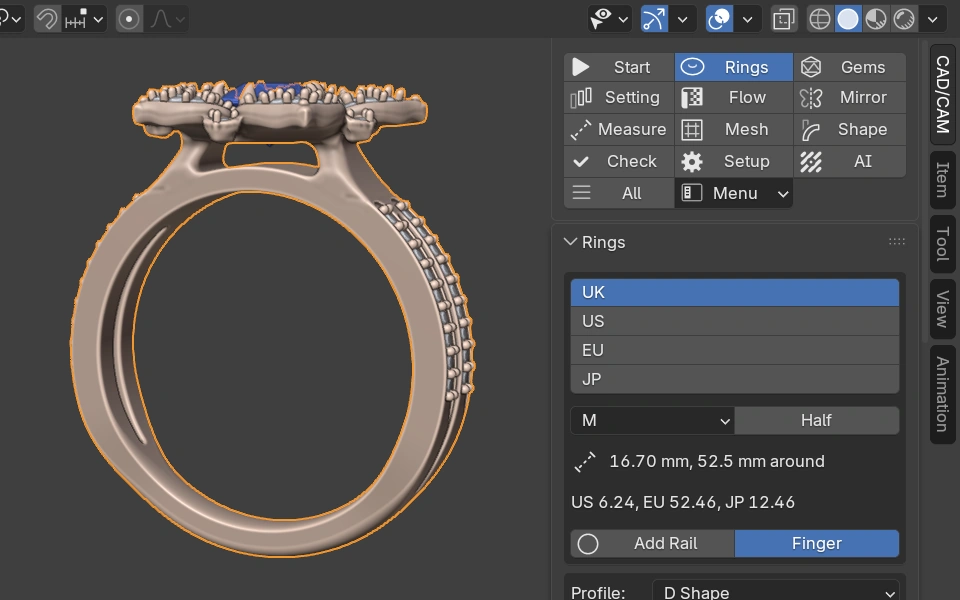
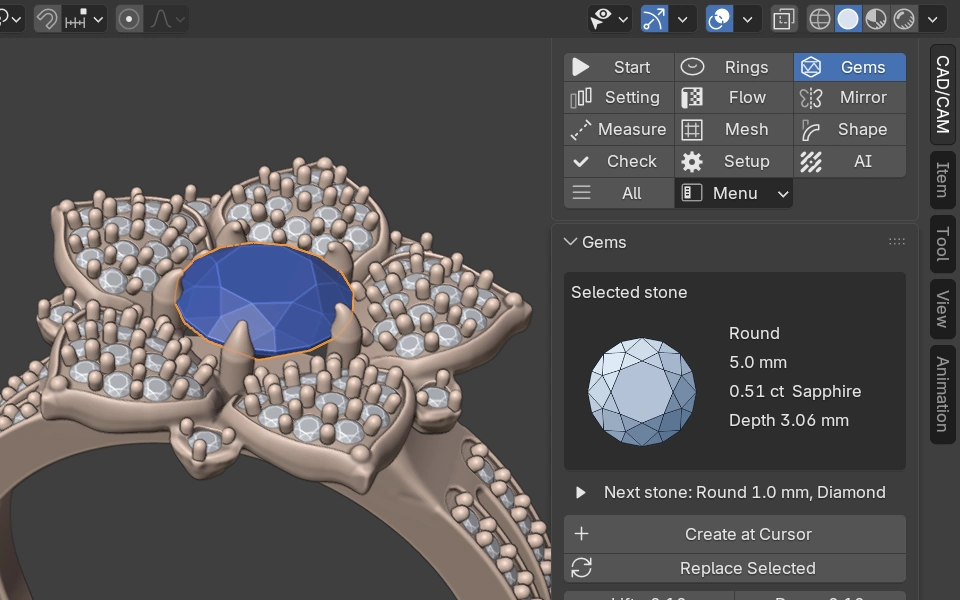
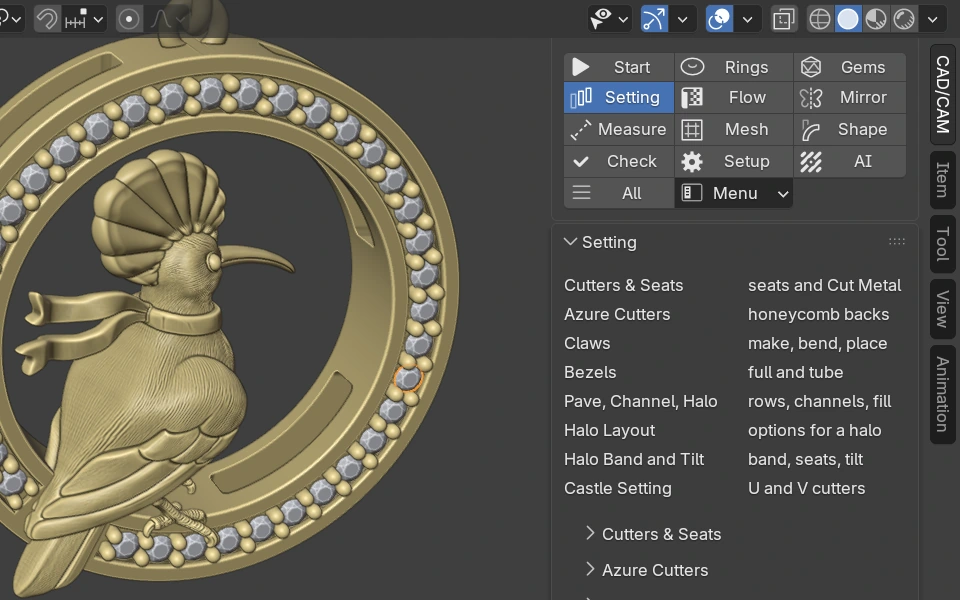
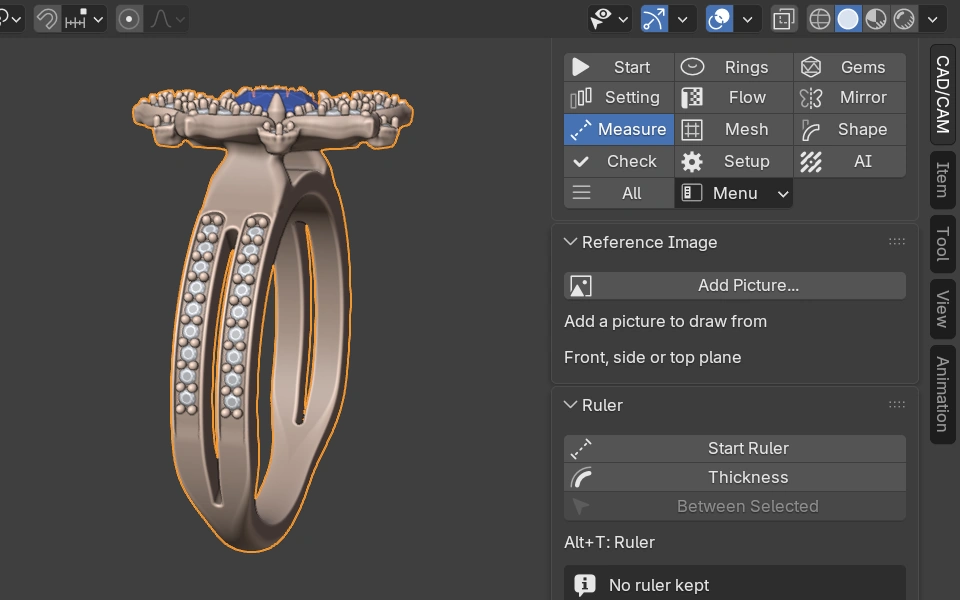
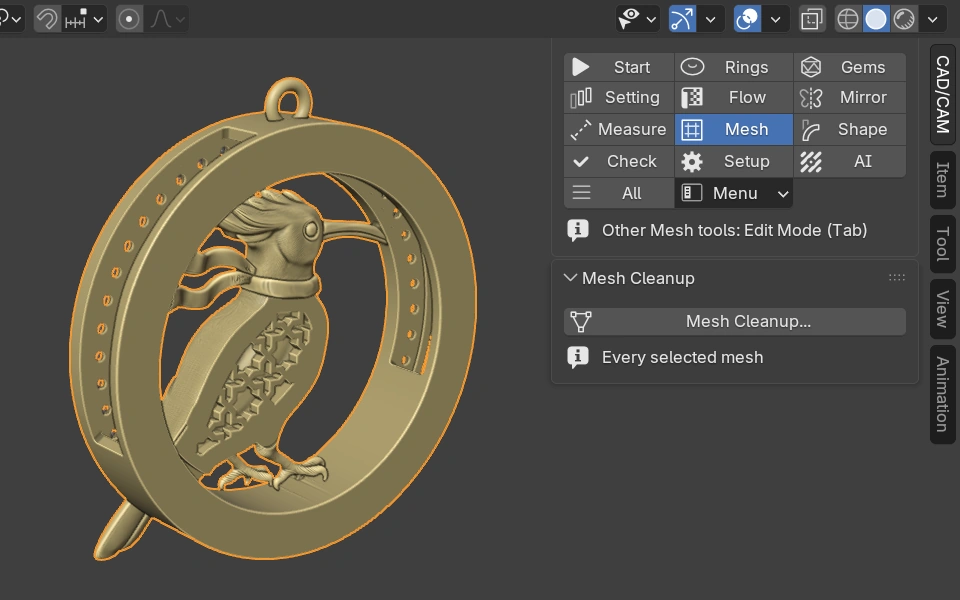
Open the CAD/CAM tab and the section bar takes you from sizing the ring to checking the print. Each tile opens its chapter of the manual.
The numbers a bench jeweller works to
The add-on builds to the figures in The CAD/CAM Jeweller. Each one below is either the book's own, with its page, or the add-on's default where the book is silent.
- 2.20 x 1.80 mmRing sizing area at 6 o'clock.the book, p.165
- 1.20 mmBridge at 12 o'clock, with 1.00 mm as the absolute minimum in 18ct gold or silver.the book, p.165
- 0.80 to 1.20 mmClaw thickness: 0.60 mm minimum, 0.80 to 1.20 mm optimal, 1.20 mm maximum in platinum.the book, p.165
- 2.00 mmProduction claw height above the table, one diameter from foot to tip.house default
- 0.20 / 0.50 mmMinimum overlap of connected elements, and minimum gap between separate components.the book, p.166
- 0.50 to 0.60 mmMillgrain bead diameter.the book, p.167
- 45 degreesBelow this angle a print needs support.the book, pp.235 to 237
- 0.02 mmHow close a signet bore is held to its size.the book, p.240

In Blender in three steps
Add the repository once and Blender looks after the rest, including every update.
Add the repository
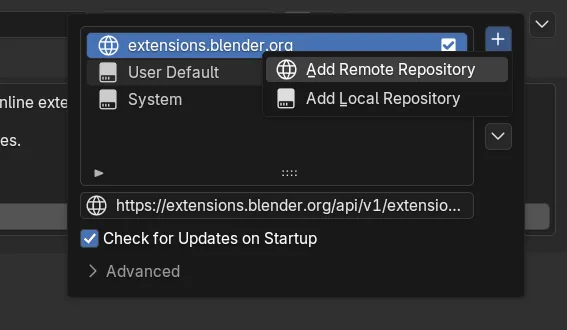
In Blender open Edit > Preferences > Get Extensions. At the top right open the Repositories menu, click +, choose Add Remote Repository and paste the address below.
Switch on update checks
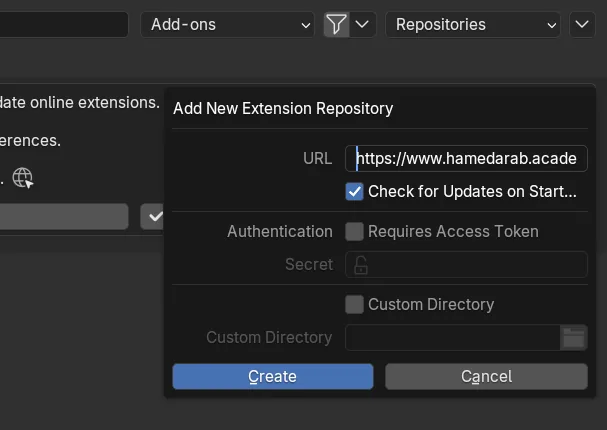
Tick Check for Updates on Startup and confirm. Blender will offer each new version of the add-on when it is out.
Install it
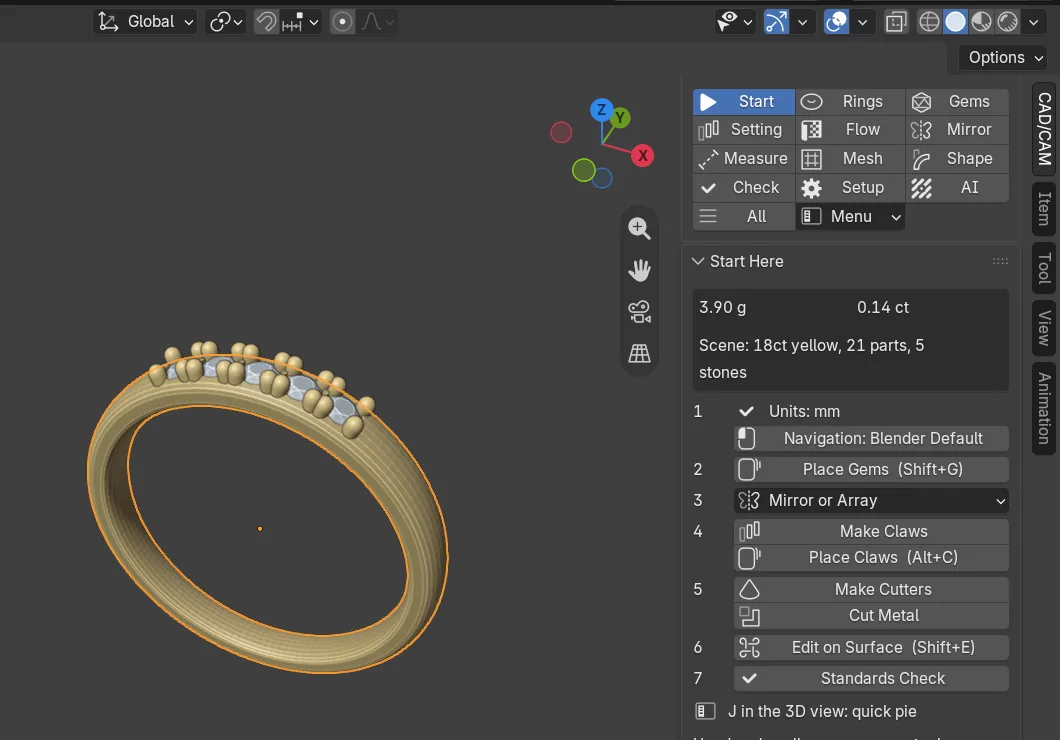
Find CAD/CAM Jeweller in the list and click Install. Press N in the 3D view and open the CAD/CAM tab.
Rather have a file? The download below gives you the zip for Install from Disk. A zip installed that way never updates itself. The full install guide.
27 versions since 14 September 2026
The add-on changes often. These are the last three versions.
- 2.18.0 · 26 October 2026
- 2.17.0 · 16 October 2026
- 2.16.0 · 16 October 2026
Add the repository once and Blender offers each new version as soon as it is out.
See every versionGet the add-on
CAD/CAM Jeweller is free. Fill in the form to get the download.
Common questions
Is it really free?
Yes. The add-on is free and open source under GPL-3.0-or-later. It is not for sale.
Which version of Blender do I need?
Blender 4.2 or newer. It has been tested on Blender 5.2 on Windows 11.
Does it work on macOS and Linux?
It should, but macOS and Linux have not been tested yet.
Does it need the internet?
Only to install or update the add-on from the repository, and for AI Studio with your own keys. Every modelling tool works offline.
What licence is it under?
GPL-3.0-or-later. Your designs are yours.
Where are my AI keys kept?
Saved as plain text in Blender's preferences file on your computer, never inside your project .blend files. On a shared computer, use an environment variable instead.
How do updates work?
Add the repository in Blender and tick Check for Updates on Startup, and Blender offers each new version. A zip installed from disk never updates itself.
What do you record when I download it?
Your name and email, to send the download. We also record your IP address (deleted after 90 days) and the place it points to, the page and link that brought you here, and your browser language, device type and time zone, to learn who uses the add-on. Read the privacy notice.
Start with the manual
Every tool is explained step by step, with its settings and its limits. The book behind the numbers is there too.