
Learn jewellery design in Blender
Five four-hour sessions, one to one, with Hamed Arab. You model real rings and settings in Blender with the free CAD/CAM Jeweller add-on, and leave with files you can keep working from.
£960 for 5 sessions of 4 hours. One to one. In the Jewellery Quarter, Birmingham, or online.
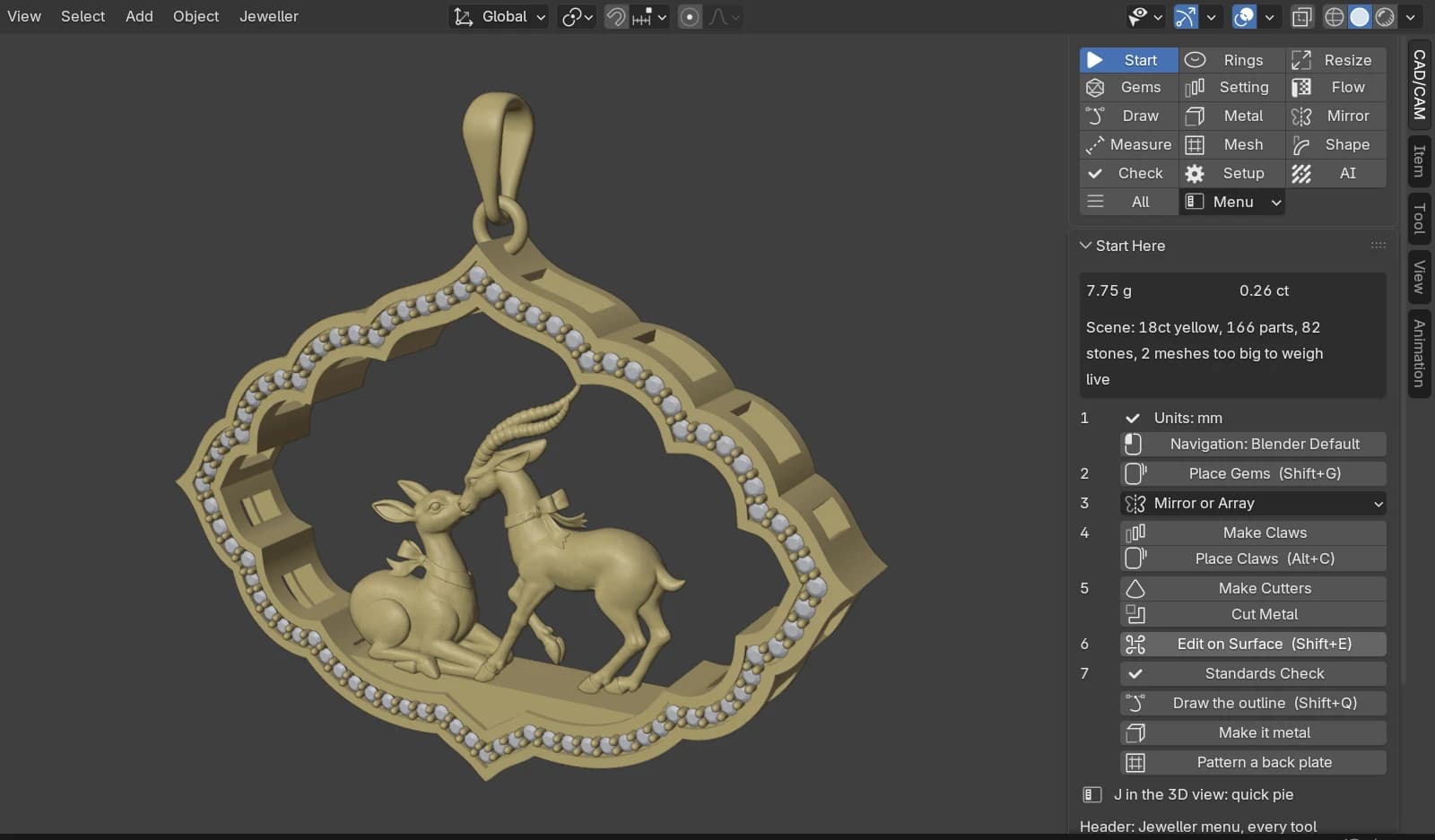
What you can design
Bring a design of your own, or choose from six families.
- 01
Classic
Solitaires, halos, eternity and pavé bands, signets. You set the stones in claws, cut their seats and check the metal.
ToolsClaws, Head Builder, Halo Layout, Make Eternity, Signet.
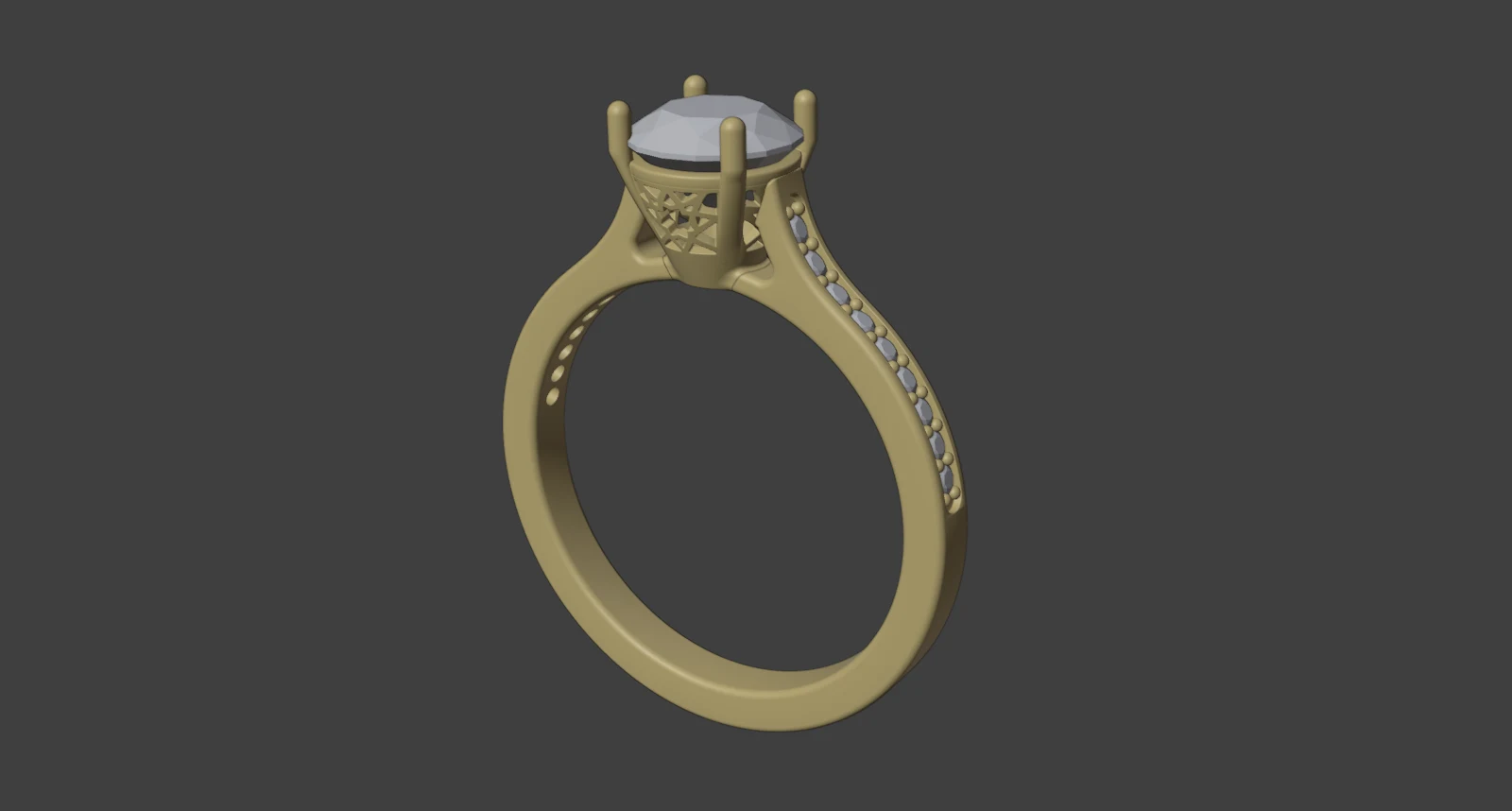
Setareh Mahtab ring 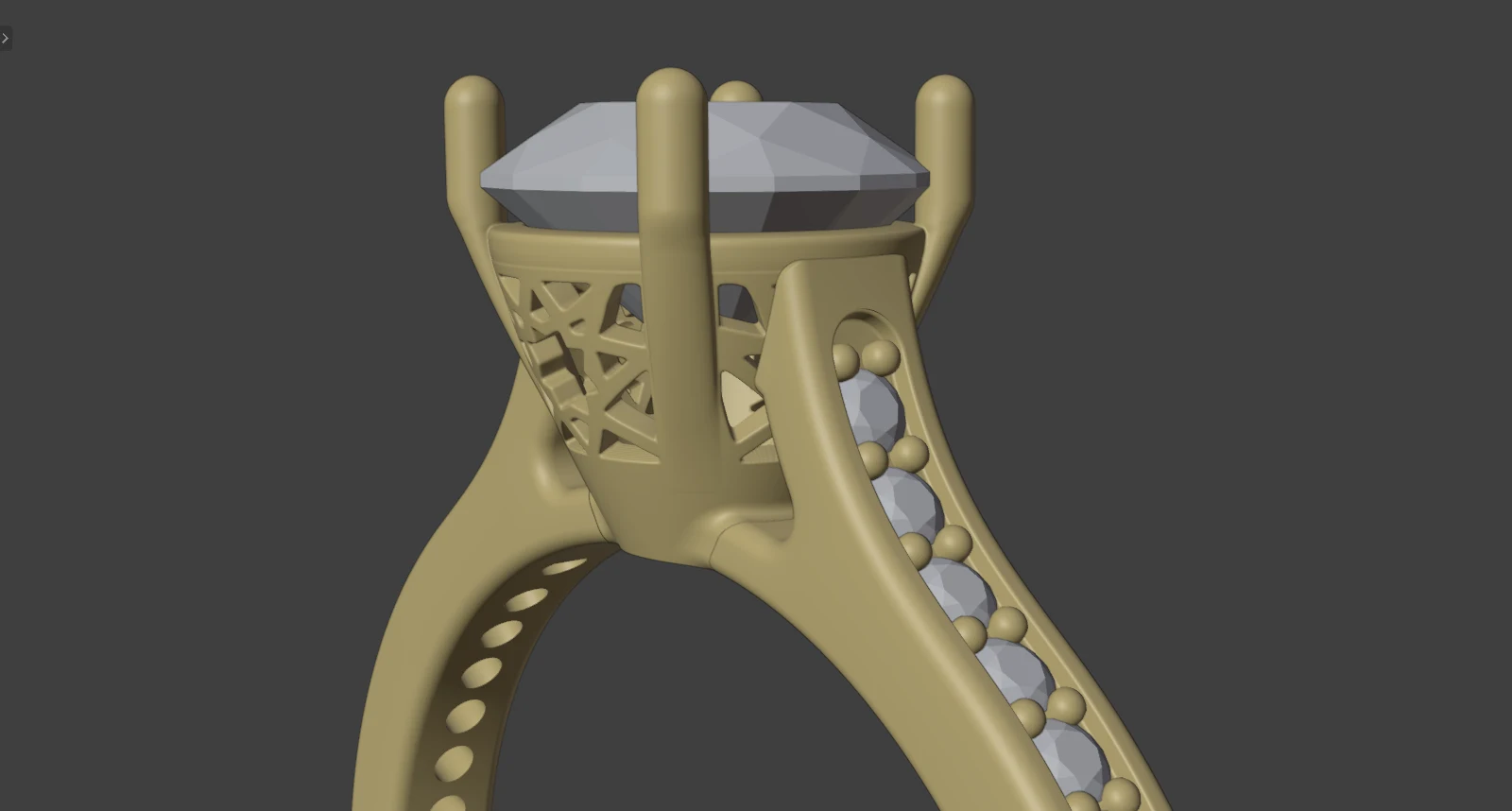
Setareh Mahtab ring, head and gallery - 02
Commercial
Designs that repeat across ring sizes and stone sizes. Resize makes a complete ring, stones included, for each size on your list. One set of head numbers can drive several stones, and a change redraws every head.
ToolsResize, Head Builder, Stone Settings.
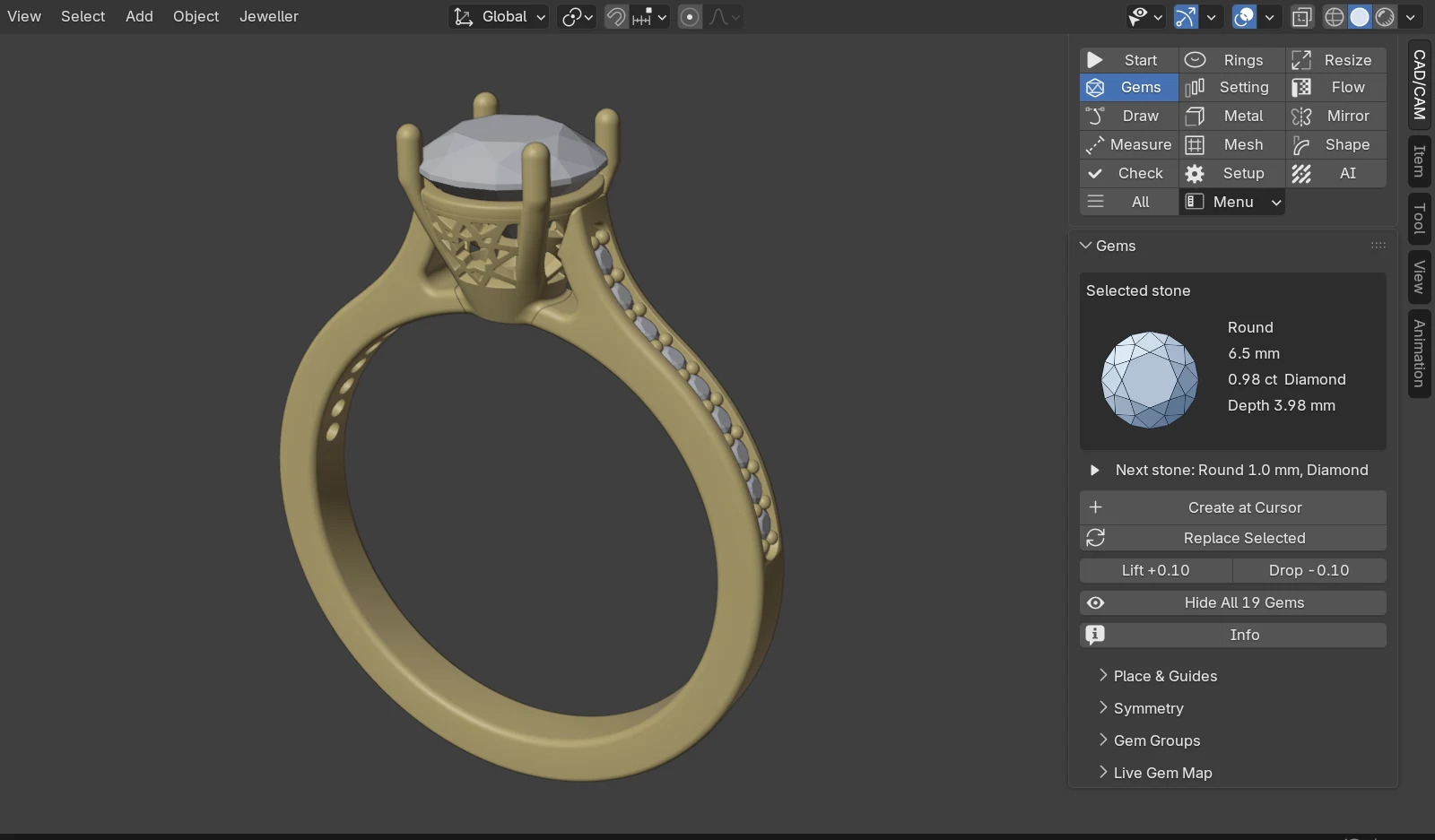
Setareh Mahtab ring, with the add-on's stone panel - 03
Bridal
Engagement rings and wedding bands. Start from a D Shape or Court band, apply a cathedral or knife-edge shoulder preset, then set the stone in claws or a bezel.
ToolsRings, Shoulder Presets, Head Builder, Stone Settings.
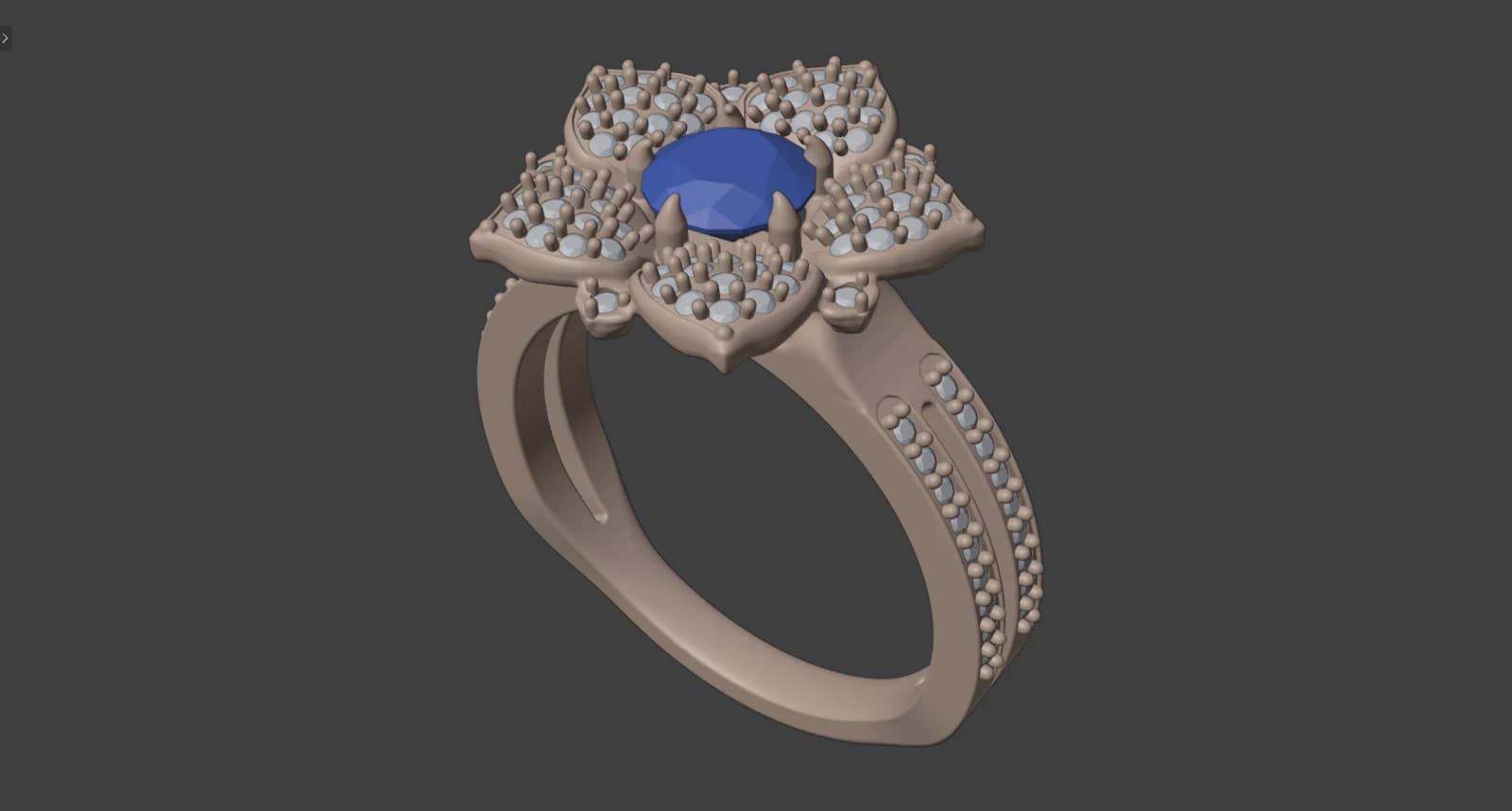
Golnar engagement ring 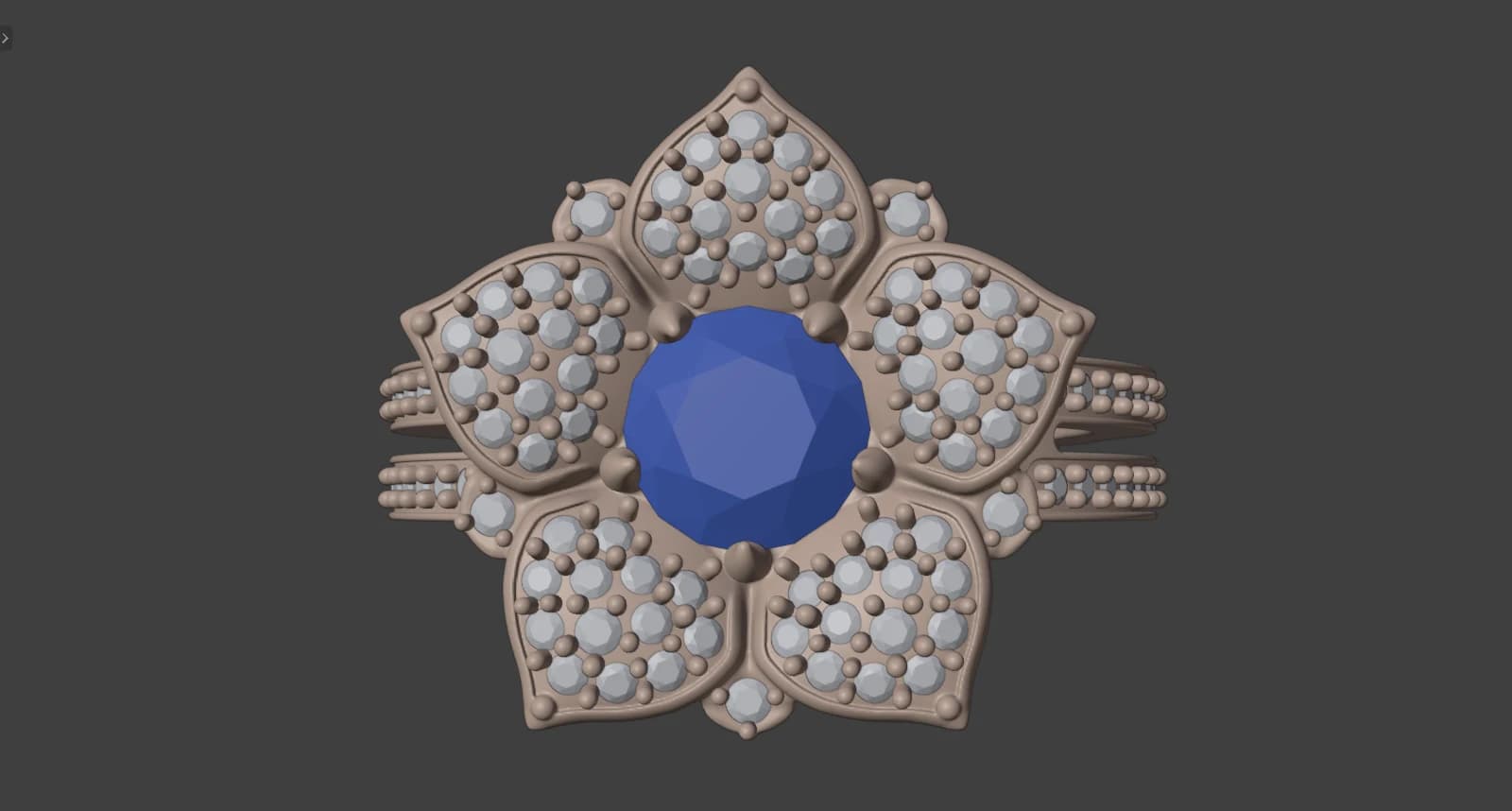
Golnar engagement ring, flower head from above - 04
Simple
Plain bands in ten named sections, signets built from picture choices, and flat plates or strips drawn at true size. These are where you learn the tools.
ToolsRings, Signet, Profiles and Sweep, Draw and Metal.
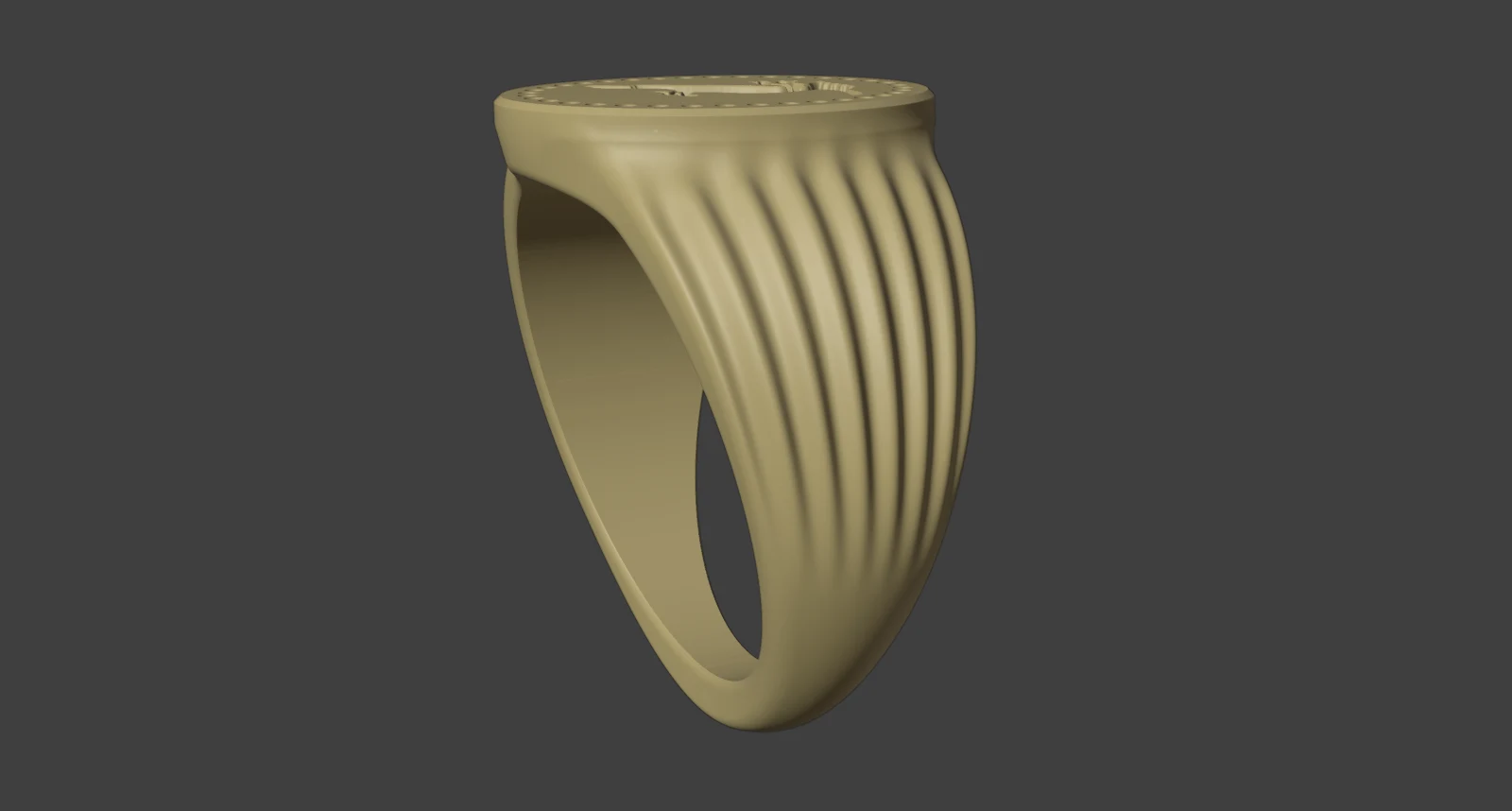
Khatam seal ring - 05
Organic and nature-inspired
Leaves, flowers, scrolls and flowing surfaces. Draw a leaf flat at true size and Flow on Surface carries it onto the band. Live Mirror shows the other half while you model the first.
ToolsFlow on Surface, Pattern Builder, Live Mirror, Edge Weight.
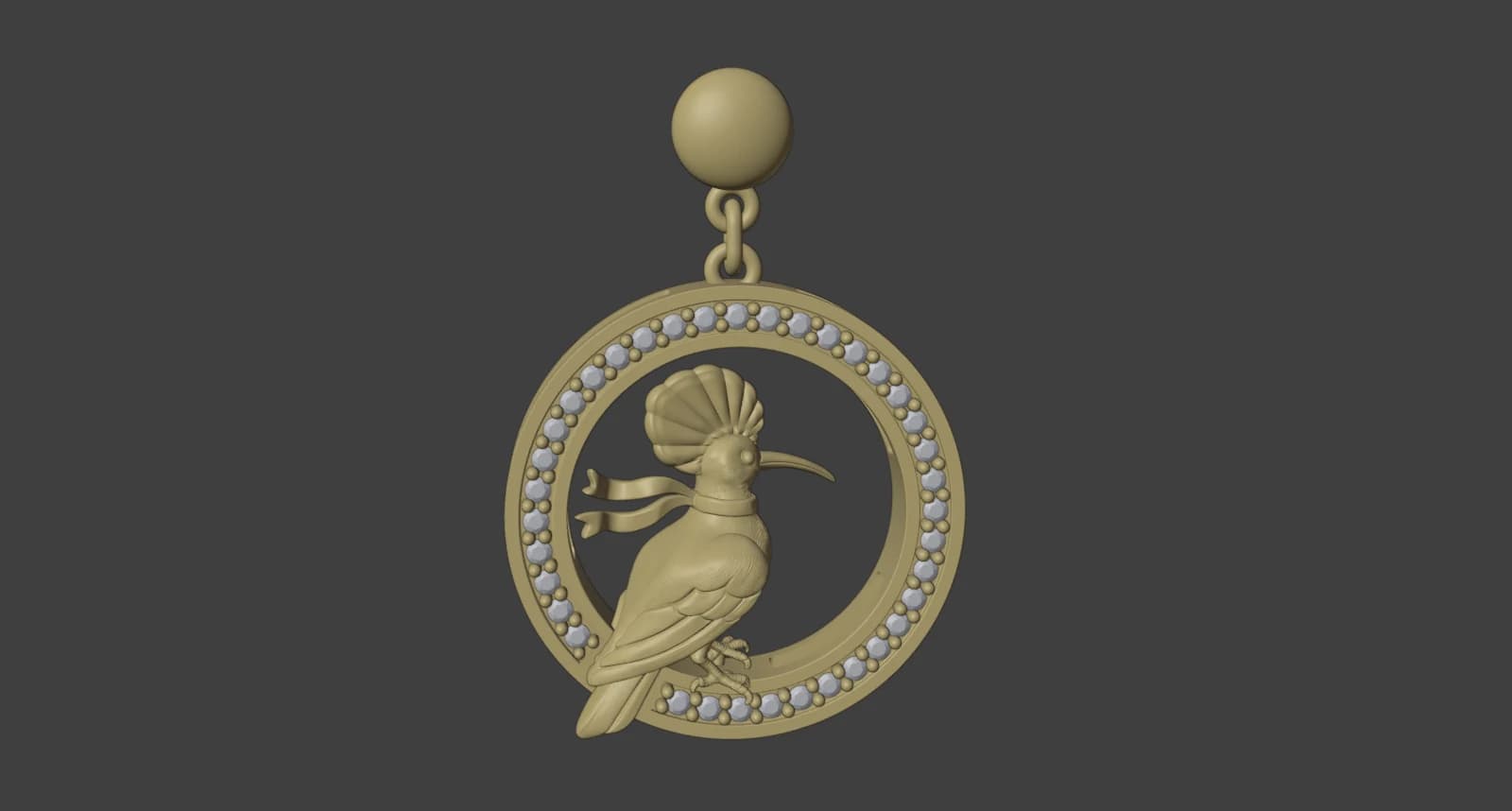
Hamdam Hodhod Roundel drops 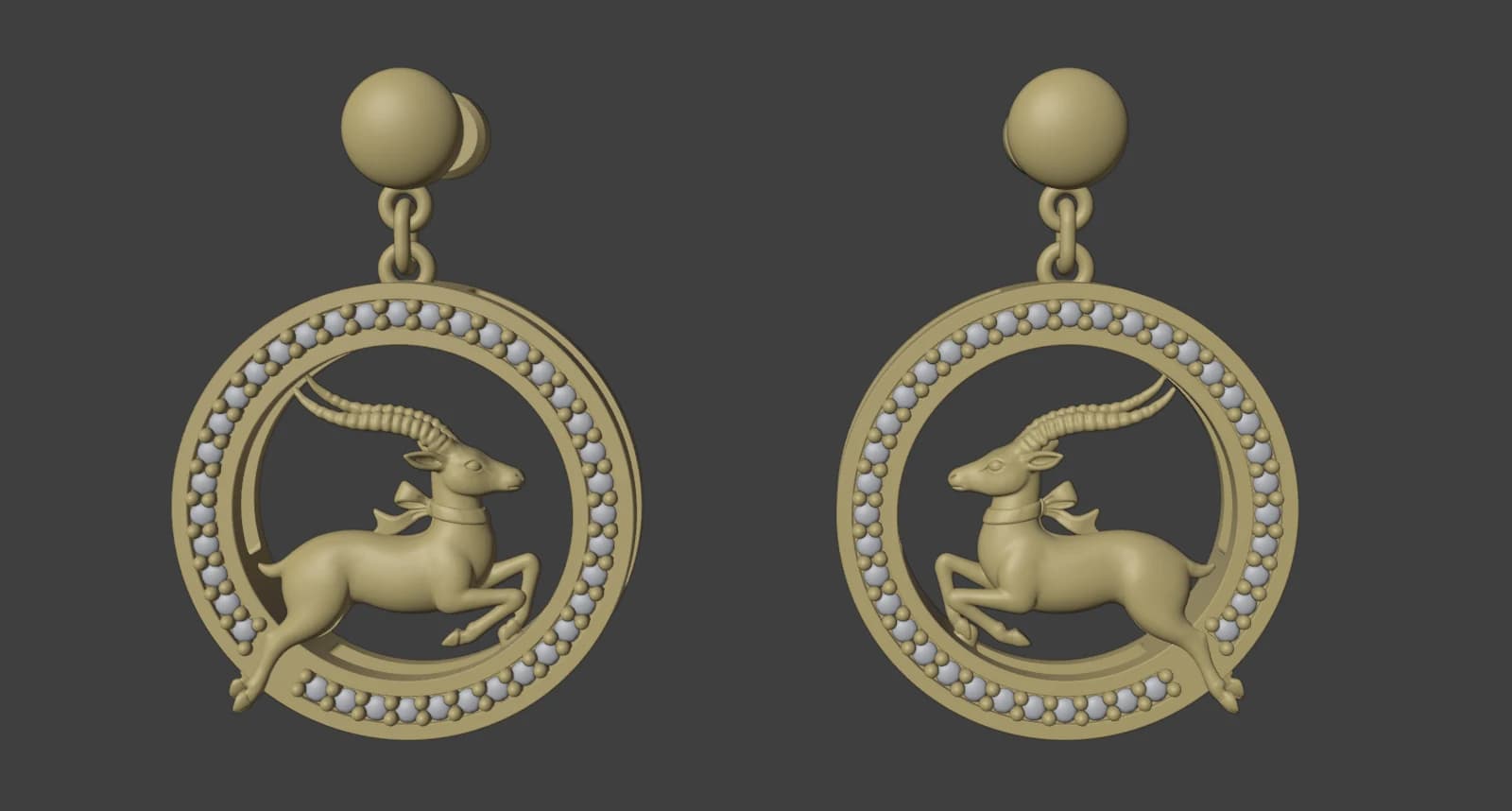
Hamdam Ahu Roundel drops - 06
Complex
Pavé over curved surfaces, rows of stones with measured walls, and several parts in one piece. Castle Setting reads every wall and claw before it cuts. On a curved surface, Pave Fill works patch by patch.
ToolsPave Fill, Azure Cutters, Castle Setting, Head and Shank.
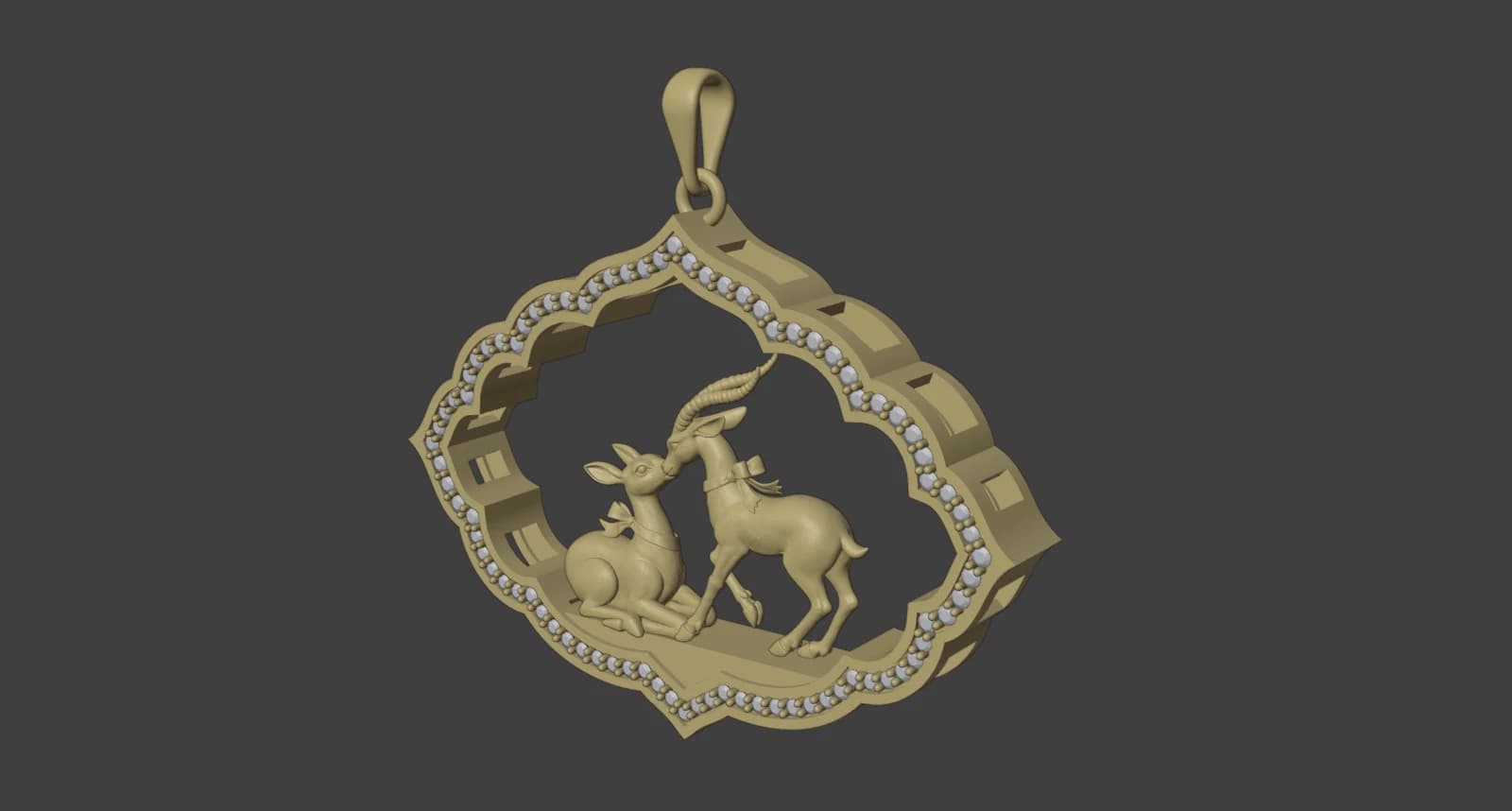
Hamdam Ahu Toranj pendant, three-quarter view 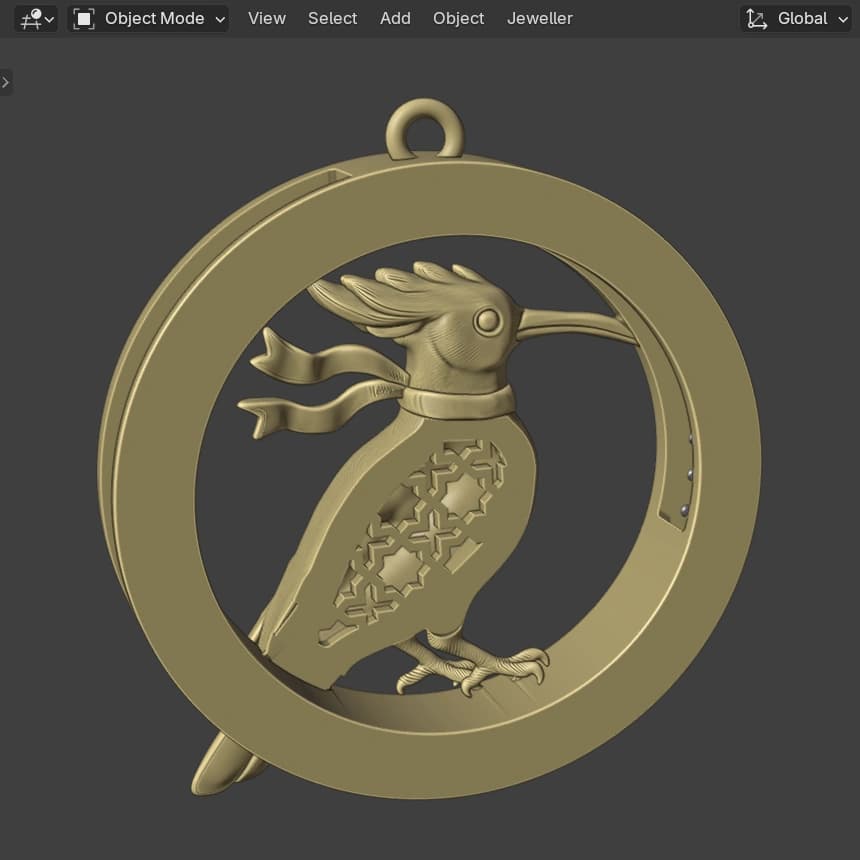
Hamdam Hodhod Roundel pendant, back
Settings, to the stone
Seats, claws and bezels follow each stone's own outline. Defaults come from The CAD/CAM Jeweller, Volume 1 wherever the book speaks. Where it is silent, the add-on says the figure is a house default.
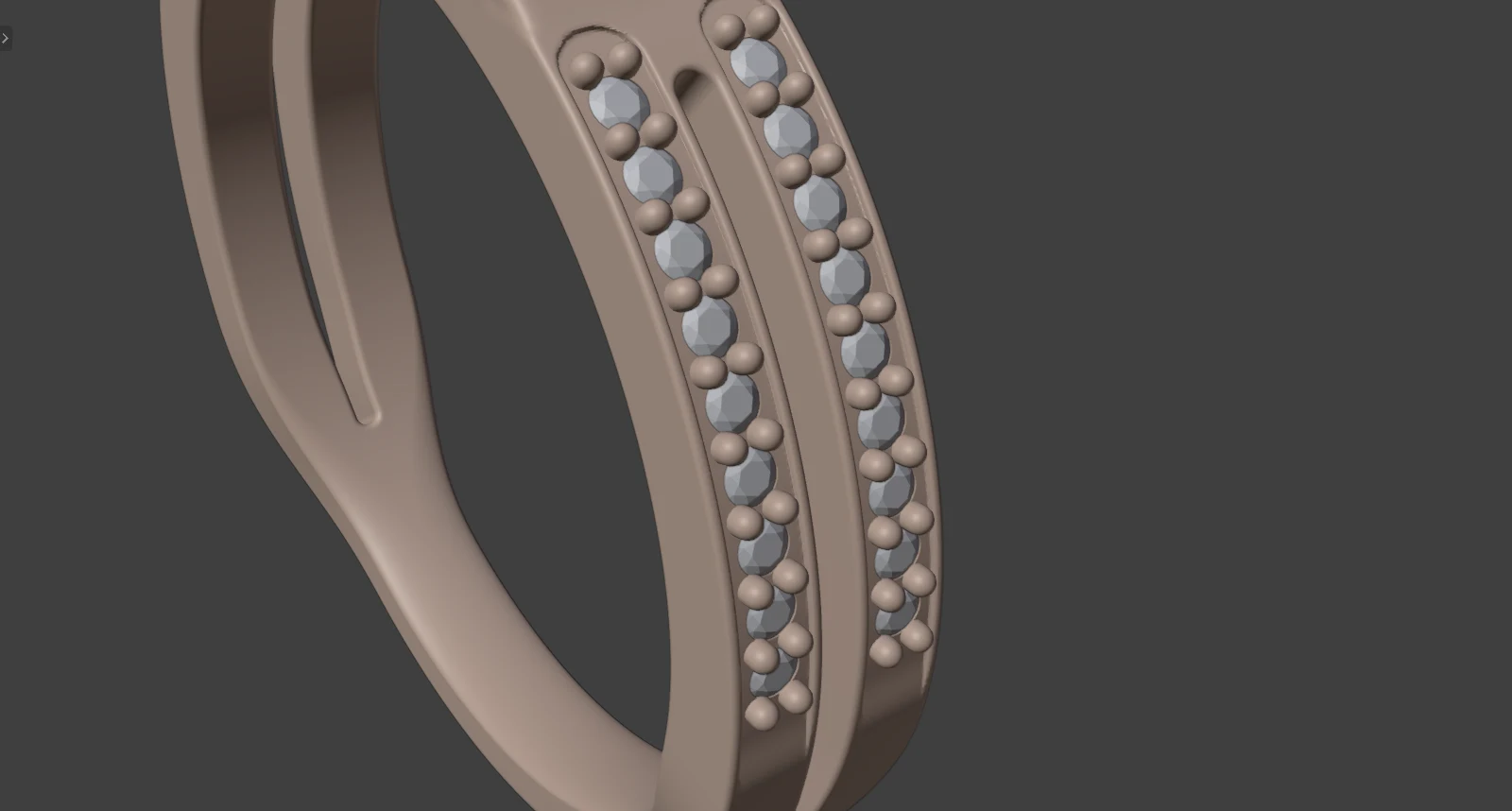
Golnar engagement ring, split shank pavé 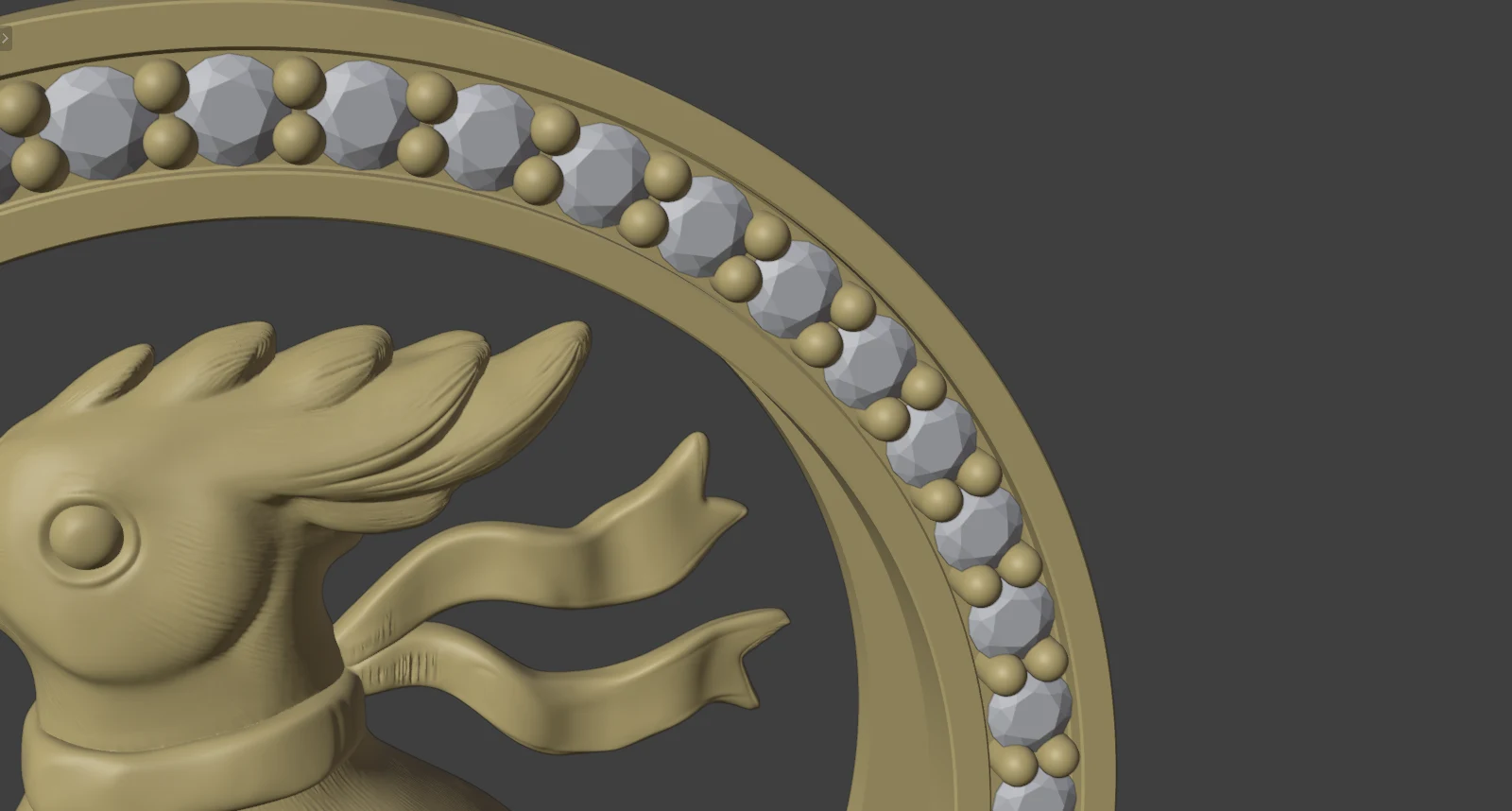
Hamdam Hodhod Roundel pendant, stone frame 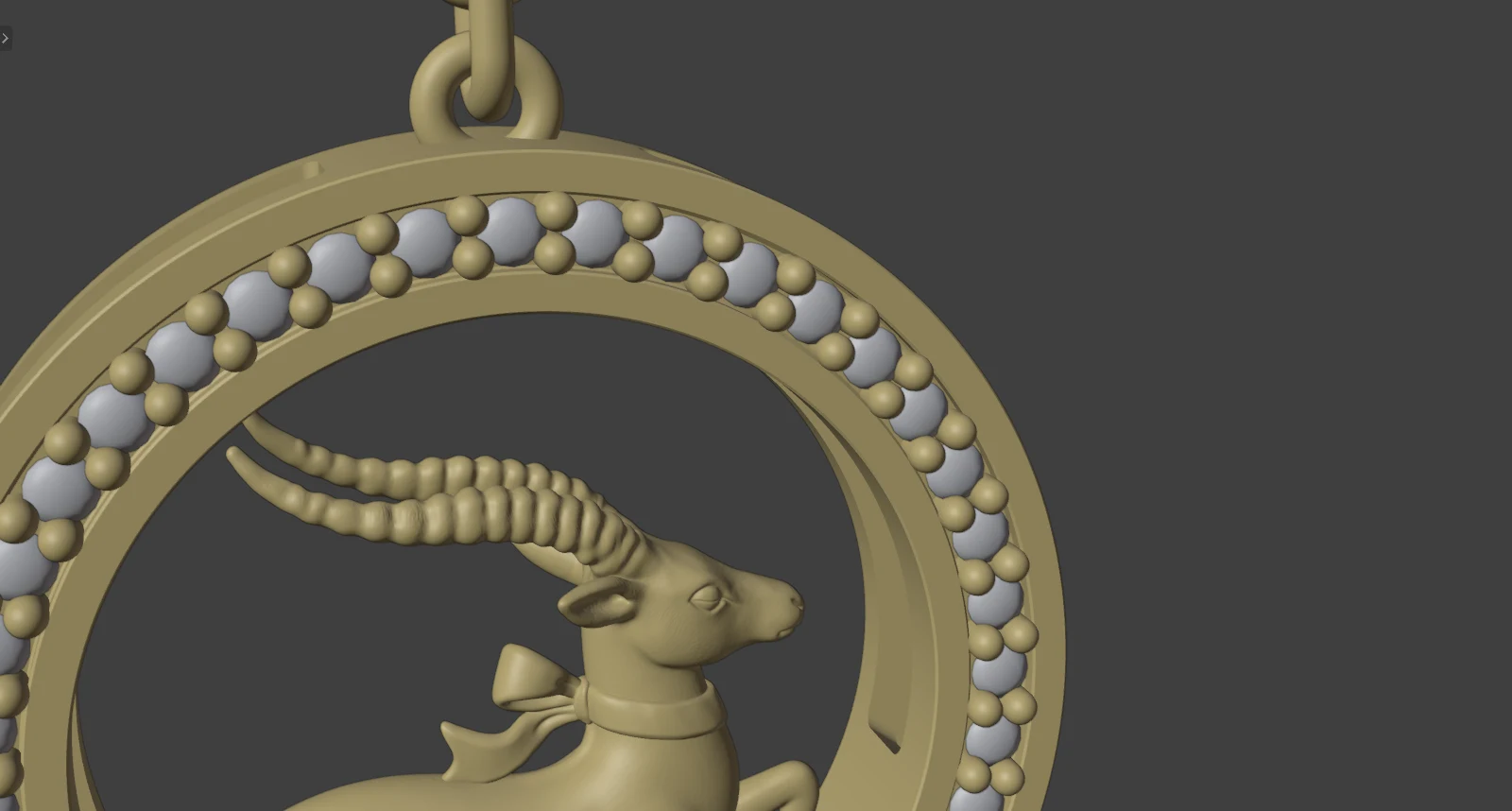
Hamdam Ahu Roundel drop, stone frame
Claws
Make Claws: thickness and height (2.00 mm over the table by default). None is built under 0.35 mm.
Head Builder
Production heads with one bar per claw, V claws at points and corners, and a seat rail hidden under the stone.
Seats
A through hole, a blind divot or none under each stone. Azure Cutters open the back under a field of stones.
Bezels and collets
Bezel, Under-Bezel and Collet round every selected stone, sharing one section you can edit point by point.
Pavé
Stones along a curve, or graduated stones across a region, with a small claw or grain in each gap. The house gap range is 0.10 to 0.20 mm.
Channel and castle
Castle Setting cuts U cutters, V cutters and a channel for a row, after reading every wall and claw back.
Halos
Halo Layout reads a round centre stone and offers every ring of small stones that fits round it. You choose.
Checks
Weight in grams and carats, Standards and Print checks listing findings worst first, Wall Map (red under 0.60 mm) and a Ruler for walls.
Quicker to learn than it looks
- Blender and the add-on are both free.
- The jewellery tools sit in one CAD/CAM tab, a section at a time, so you start with a small focused set. Start Here lists the usual order of work.
- The scene works in millimetres, and ring sizes come in UK, US, EU and JP.
- Twenty hours will not make you a Blender expert. It gets you modelling, setting and checking real pieces, and shows you how to keep going.
The five sessions (four hours each)
- Session 1
Blender for jewellers, and your first ring
- Install the add-on and find your way round the CAD/CAM tab
- Set millimetres and navigation
- Build a band, one stone, four claws and a cut seat
- Read the weight and run the checks
Leave with:your first ring file.
- Session 2
Rings and stones
- Ring sizes, band sections and shoulders
- The nineteen stone cuts, with size and weight before you create one
- Head Builder: a solitaire, then heads on several stones at once
Leave with:a solitaire file.
- Session 3
Settings to the stone
- Pavé along a curve or across a region
- Halo Layout, Halo Band and Tilt, Castle Setting
- Seats, cutters and bezels
Leave with:a halo ring or a pavé band.
- Session 4
Organic and complex forms
- Tidy and shape meshes with Edge Weight and Quad Fill
- Live Mirror and Symmetry
- Flow on Surface and Pattern Builder
Leave with:a nature-inspired piece of your own.
- Session 5
Production
- Standards and Print checks, Wall Map, Ruler
- Weight, cost line and files for printing
- Your own piece, end to end
- What to practise next
Leave with:files for your own piece and a practice list.
Silux London designs, open in Blender
These are Hamed Arab's designs for Silux London, open in Blender in its Solid view. They show where the tools can go. Your first pieces in the course will be simpler.
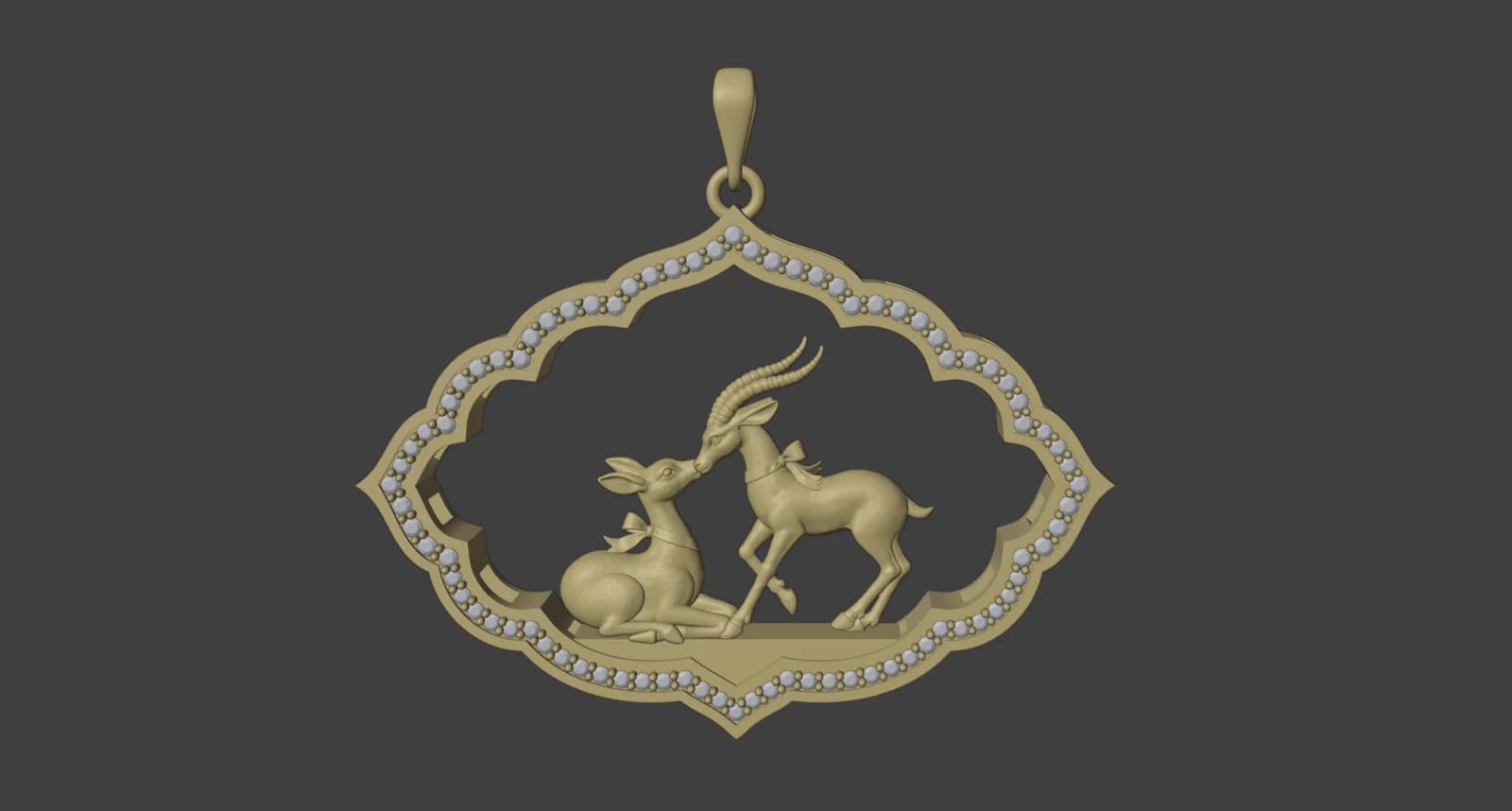
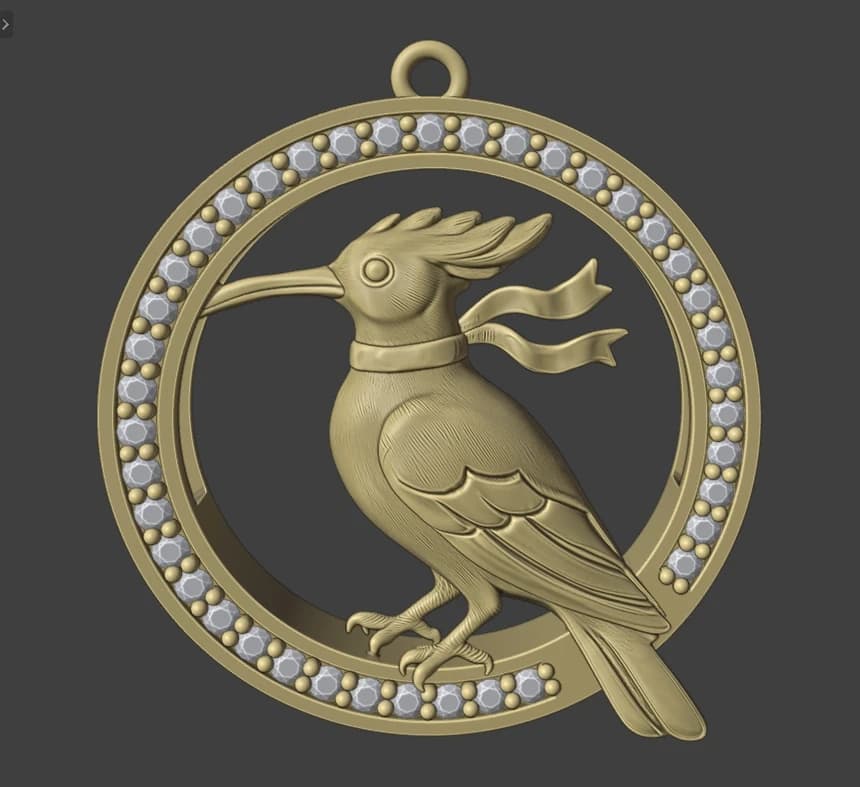
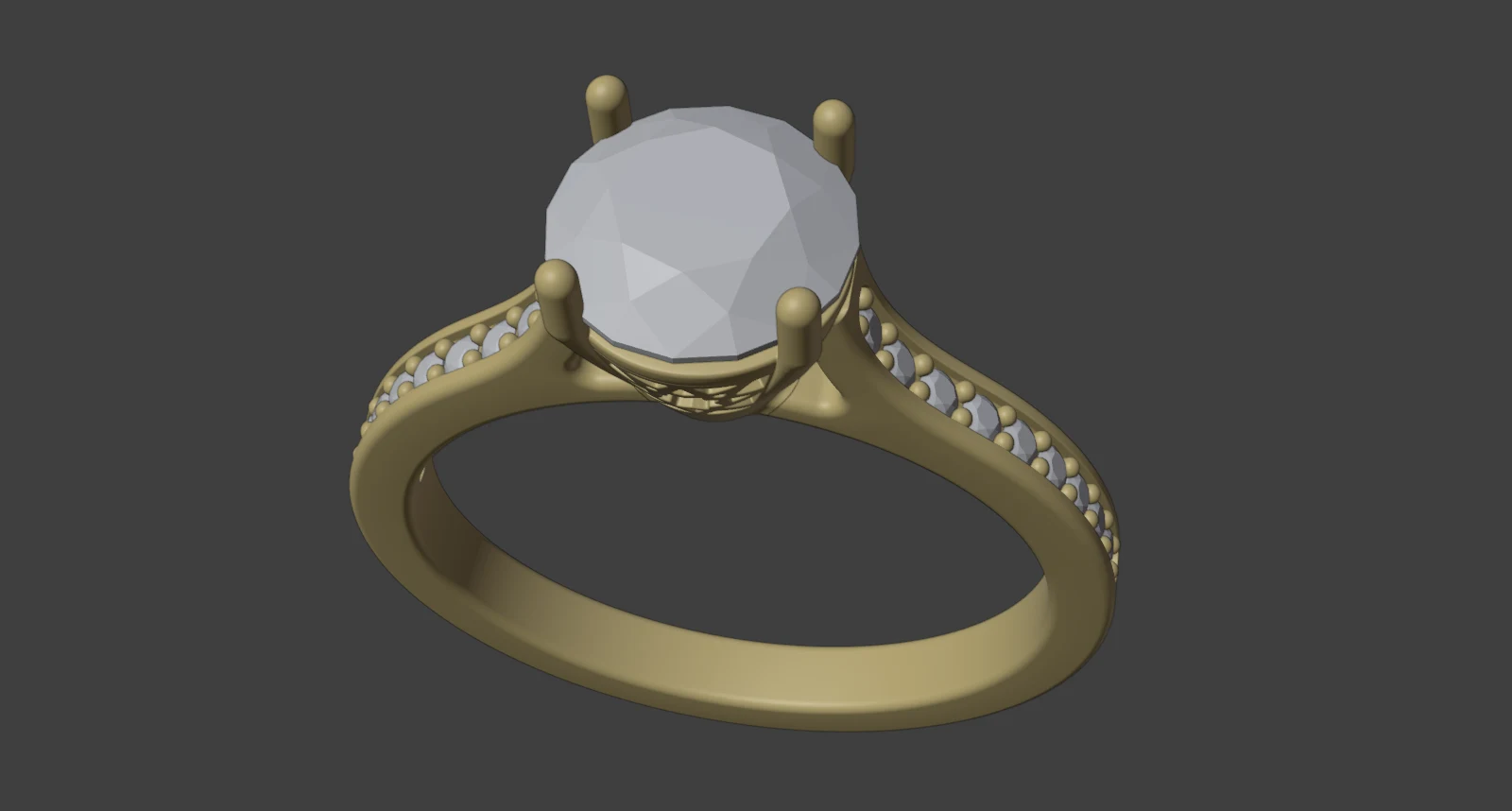
Setareh Mahtab ring 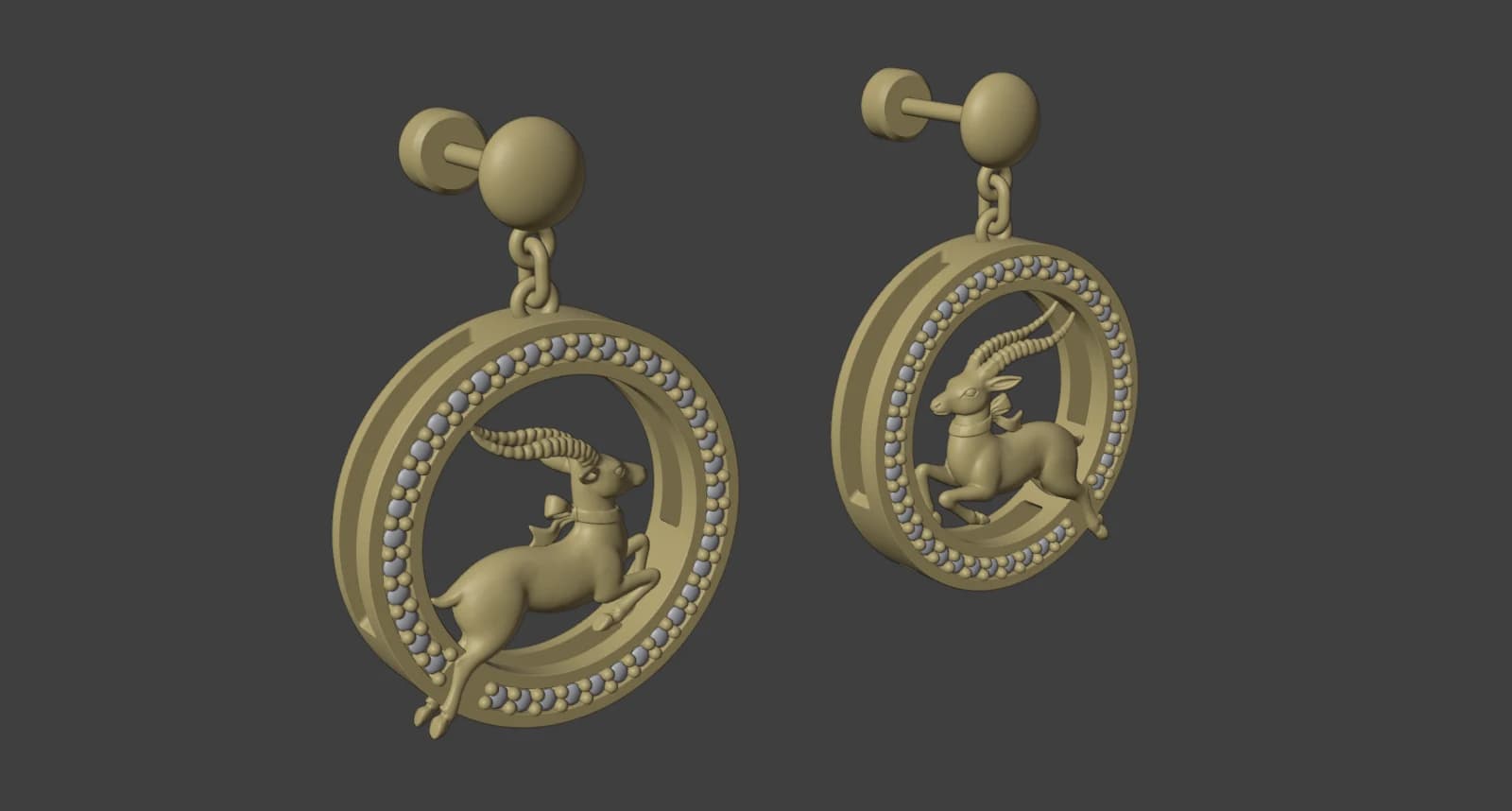
Hamdam Ahu Roundel drops 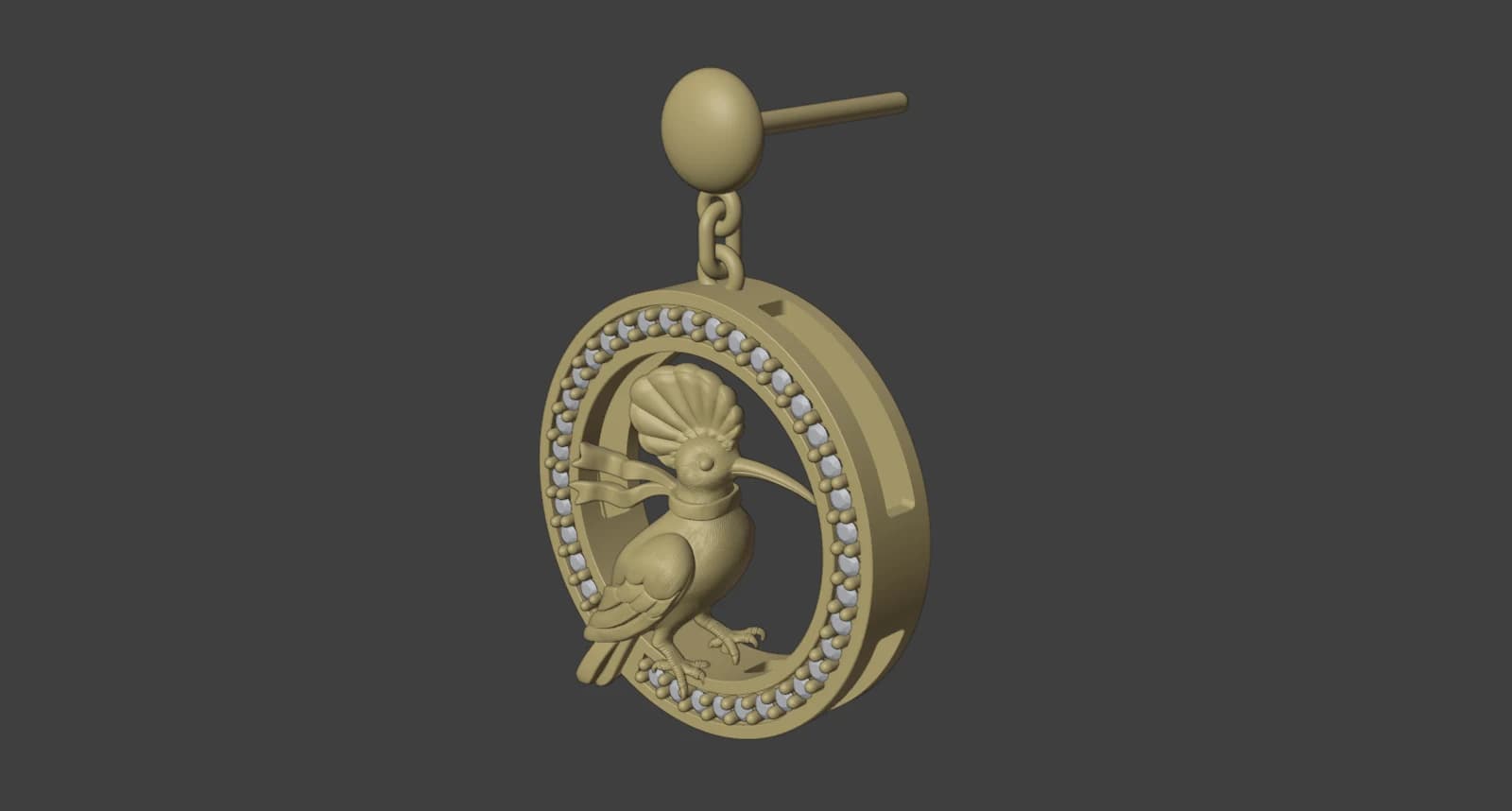
Hamdam Hodhod Roundel drops
Who it is for, and what you need
Who it is for
- Jewellery designers moving their ideas into CAD
- Bench jewellers adding CAD to their work
- Brand owners who want to model their own designs
- Designers who already use Rhino or another CAD tool
No Blender experience is needed.
What you need
- A computer that runs Blender 4.2 or newer
- A mouse. Any will do: bench navigation orbits with Alt and a left drag
- The free add-on, installed in session one
Your teacher
Taught by Hamed Arab.
- Author of The CAD/CAM Jeweller, Volume 1
- Three-time Goldsmiths' Craft and Design Council Award winner
- Working jewellery designer, Jewellery Quarter, Birmingham
What five sessions will not do
- It is not a sculpting course.
- It does not cover rendering or product photography.
- A complex piece needs practice beyond twenty hours.
- Stone weights come from the model: a round reads a little light against a supplier's chart.
Price: £960
Five sessions of four hours (20 hours), one to one, at Victoria Mansions in the Jewellery Quarter, Birmingham, or online by video call. The price is the same either way.
The price covers the twenty hours of teaching. Dates, payment and what to bring are agreed on the free call.
After the call:
- Agree the piece you will build.
- Book the dates you agreed on the call.
- Your files are yours after every session.
Questions
Do I need Blender experience?
No. We install the add-on and build a first ring together in session one.
Is the add-on really free?
Yes. It is free to use, share and change (GPL-3.0-or-later). Download it by email on the add-on page.
Which computer do I need?
Blender 4.2 or newer. The add-on was tested on Blender 5.2 on Windows 11 only. macOS and Linux should work, but nobody has tested them yet.
In person or online?
The price is the same, so choose whichever suits your week.
Can I bring my own design?
Yes. On the call we agree the piece you will build. If it is beyond twenty hours, we say so then.
How soon will I be modelling?
In the first session. The add-on manual's first ring is twelve steps: band, stone, claws and seat.
Do I keep the files?
Yes. Your files are yours after every session.
Is AI part of the course?
No. You model with Blender and the add-on's modelling tools. The add-on's optional AI tools are not part of the course.
Will my files be ready to print?
Session five covers it: clean the mesh, run the Print check, write files in millimetres. The add-on never calls a piece ready to cast. A caster checks every file.
Ask a question first
Tell us what you want to design.
Book a free 30-minute call. We agree the piece you will build, then book the dates.